Mobile
The $0 desk is closing the gap on tools that once cost hundreds
Free file-sharing apps, AI-powered spreadsheets, and a phone that doubles as a macro pad are undercutting premium desk setups from three directions at once.
- Author
Gadgion
- Published
- Filed under
- Mobile
The premium desk is under siege from all sides
A year ago, building a frictionless desktop workflow meant spending real money. AirDrop remains locked inside Apple's ecosystem, leaving Android users to cobble together cloud-storage workarounds.
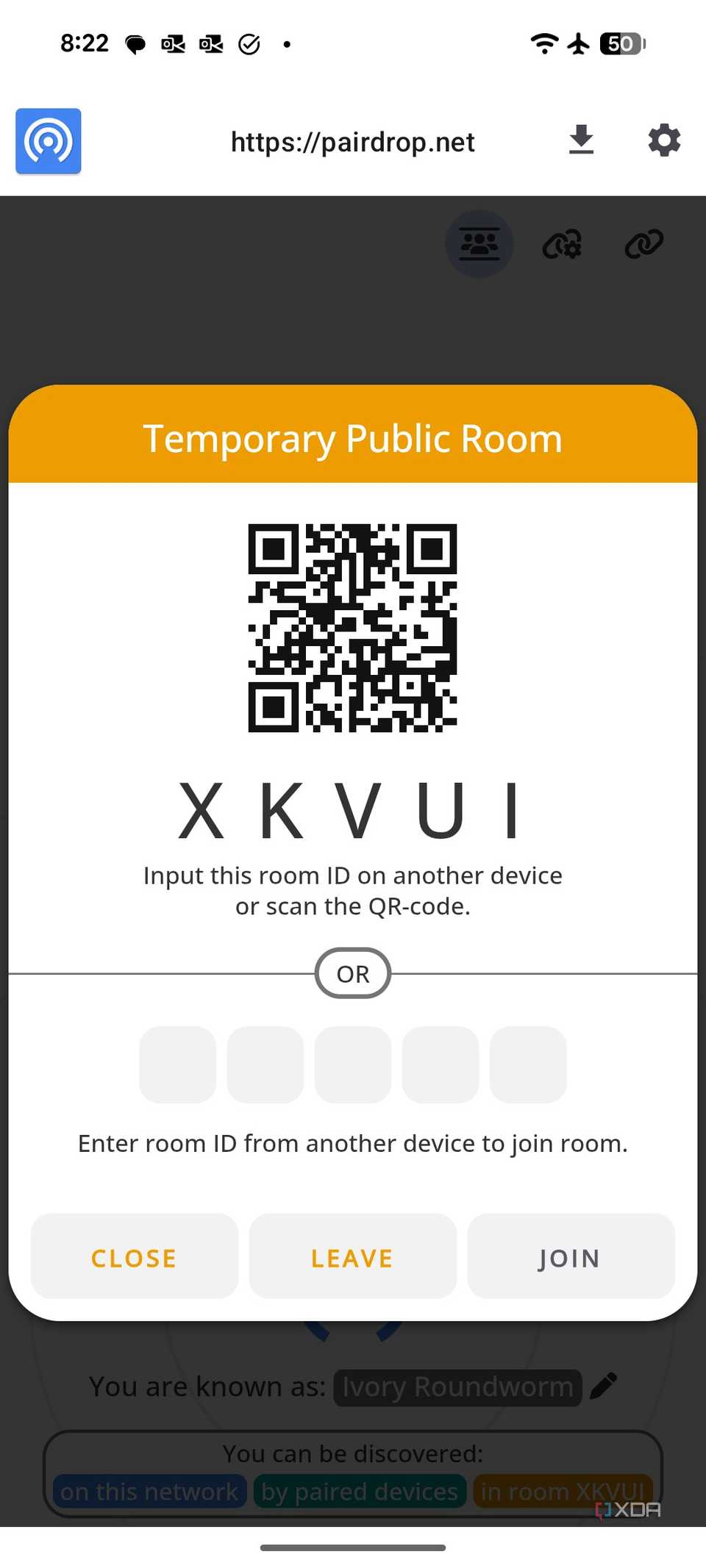
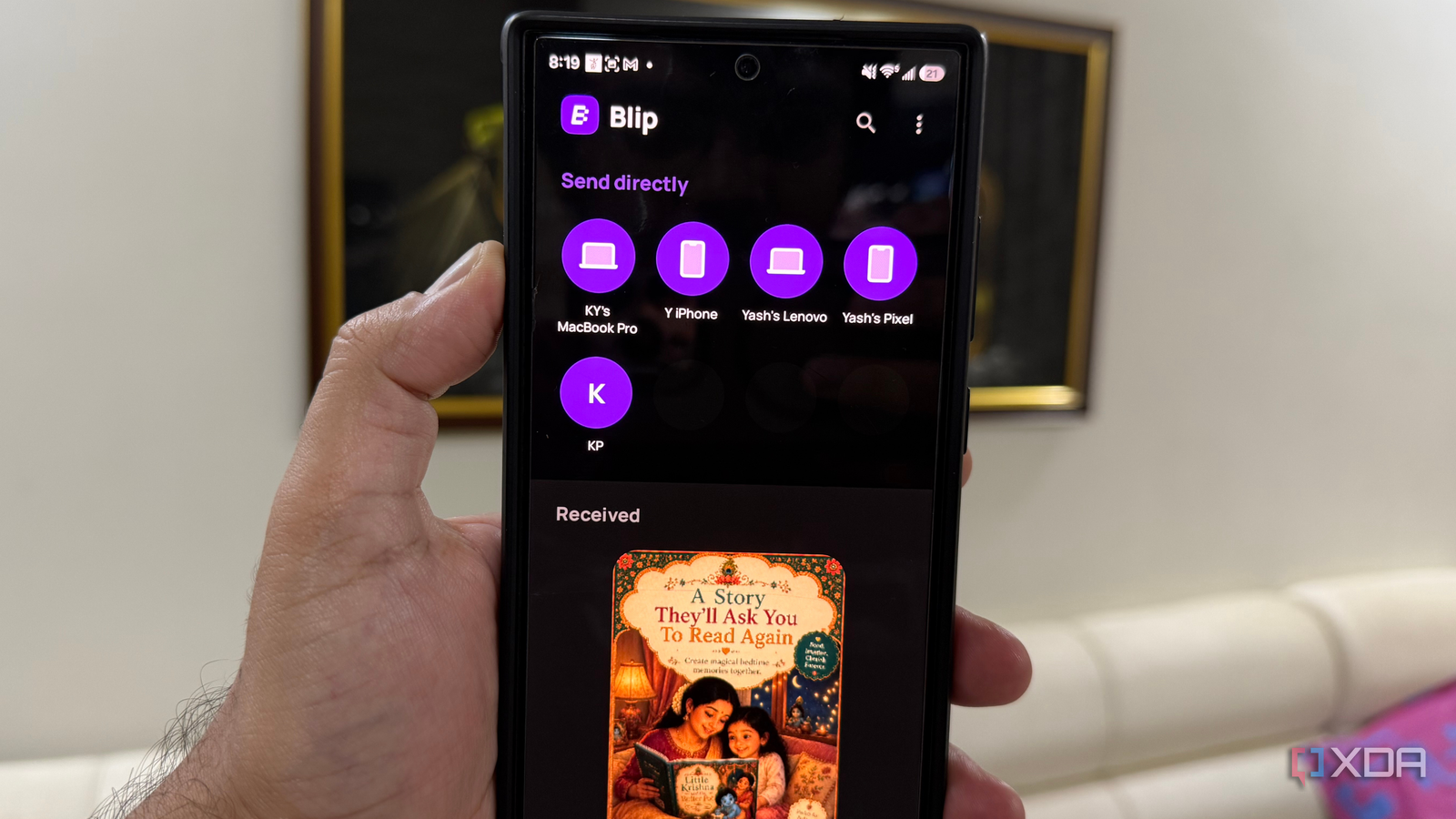
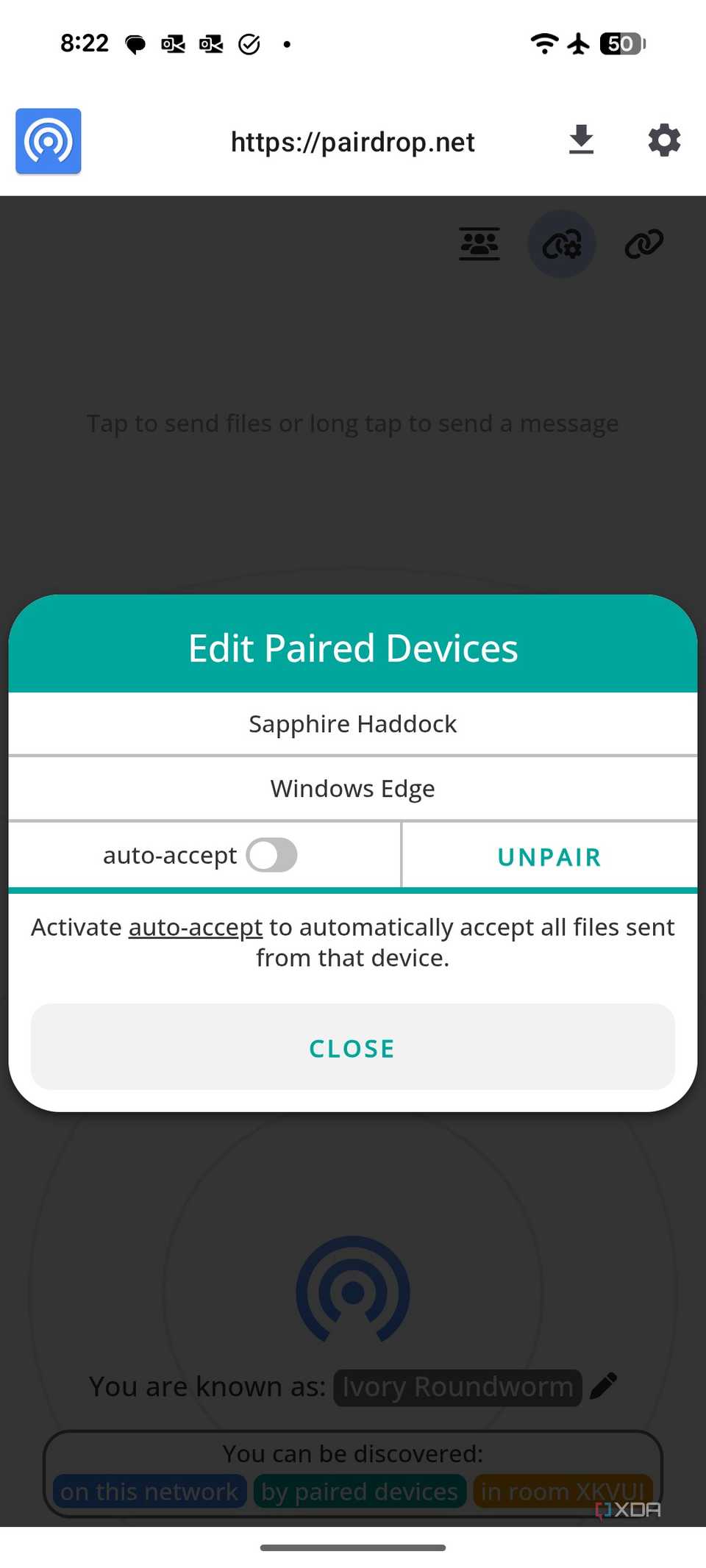
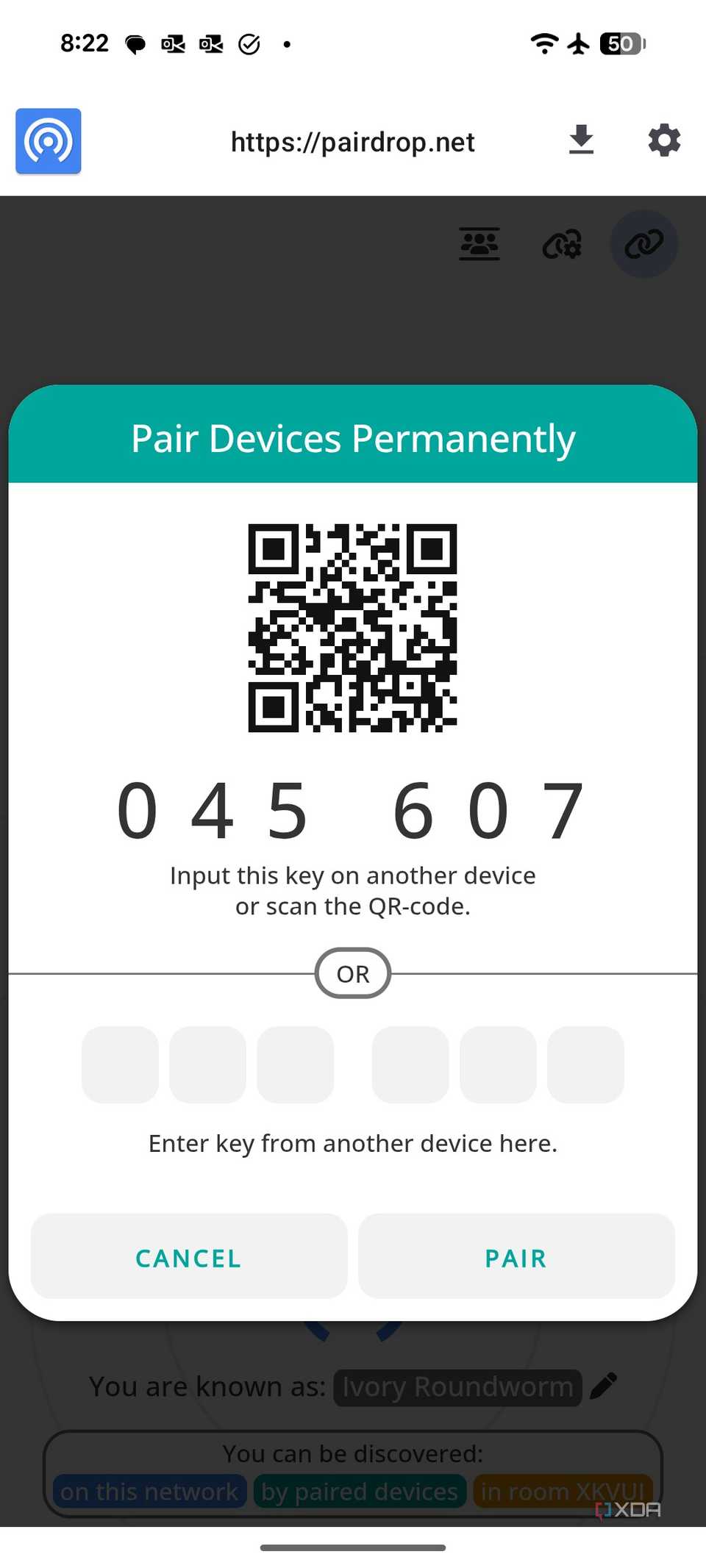
Free alternatives have crossed a threshold. Quick Share comes built into most modern Android phones and transfers photos, videos, PDFs, and APKs directly between nearby devices without touching a cloud server. LocalSend, free and open-source, moves files between Android, Windows, Linux, iPhone, and Mac over the same Wi-Fi network with no account required. Blip works across any network — home, office, or remote — linking devices so files travel directly without cloud storage. PairDrop runs entirely in a web browser, requires no installation, and detects devices within seconds.
None of these tools are perfect. Each carries constraints that matter depending on the workflow. But together they sketch a picture of a desk where the free tier is no longer a compromise; it is a starting point that covers most of what a paid setup once required.
File sharing finally works across every device in the room
Google's Quick Share comes pre-installed on most modern Android phones and establishes direct device-to-device transfers without routing files through cloud storage. Photos, videos, PDFs, and APKs move between two nearby Android devices in a few taps, with connections that typically establish within seconds. For anyone whose daily sharing stays inside the Android ecosystem, it removes the need to install anything at all.
The limitation is obvious: both devices must support Quick Share. LocalSend solves that problem by running on Android, Windows, Linux, iPhone, and Mac simultaneously. It is free and open-source, requires no account, and transfers files over a shared Wi-Fi network. The tradeoff is the shared-network requirement — devices that are not on the same local network cannot see each other.
Blip removes that constraint entirely. Once devices are linked, they can transfer files across cities and over any network connection, not just a local one. It supports Android, Windows, Linux, iPhone, and Mac, and handles large files without compressing them.
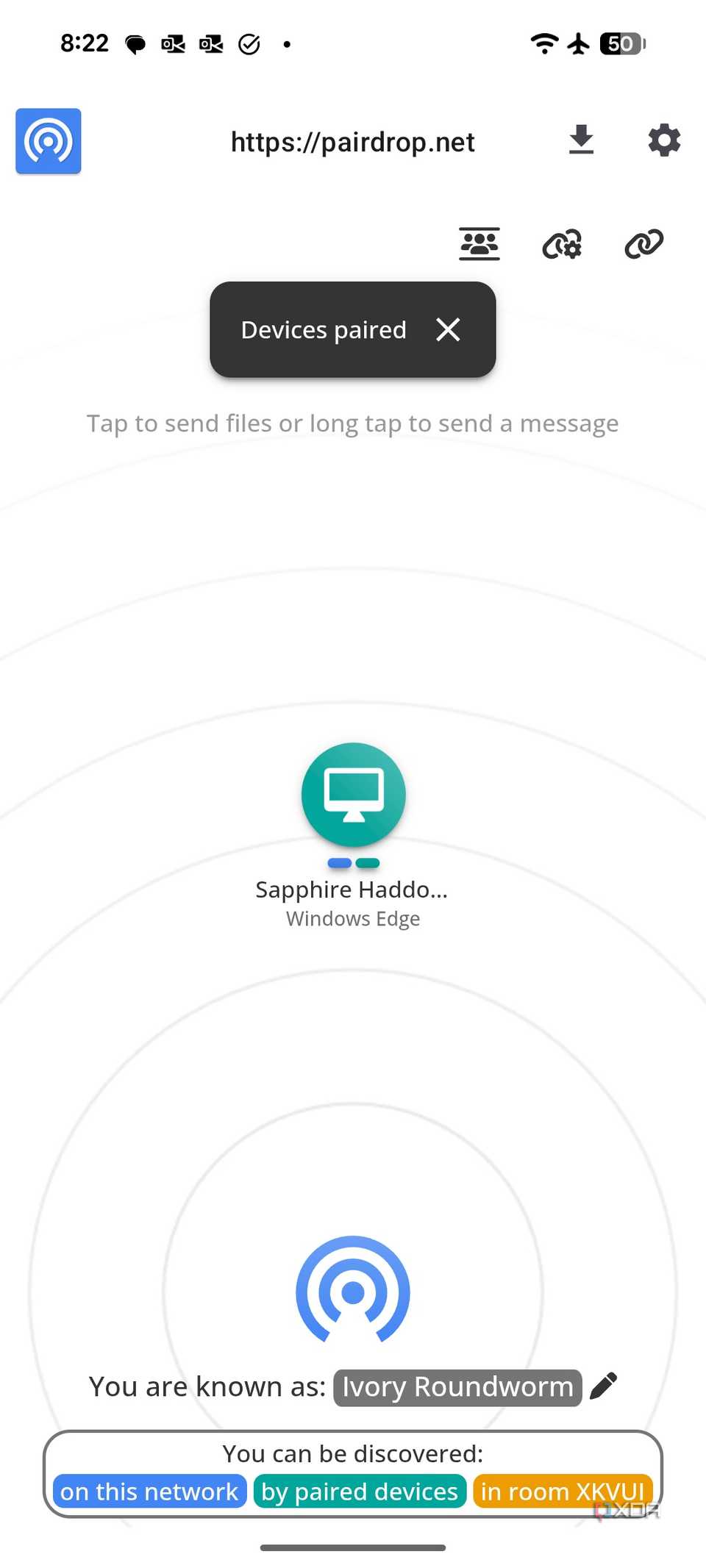
PairDrop occupies a different niche altogether. It runs entirely in a web browser, requiring no installation on either end. Open the PairDrop website on two devices and they discover each other within seconds. The tradeoff is that the browser must stay open during the transfer, and it works best for ad-hoc sharing rather than a permanent workflow.
A free Android app now replaces a hardware macro pad
Keymate is a free application for Android and iOS that turns a smartphone into a macro controller over a local Wi-Fi network. It requires a companion desktop client on Windows or macOS. Setup takes under a minute: open the desktop client, scan the displayed QR code with the phone, and the connection establishes instantly. No account, no cloud routing, no external server — the traffic stays local and encrypted.
Once connected, the phone displays a grid of buttons that trigger actions on the desktop. Options include keyboard shortcuts, saved text snippets, app and folder launches, URL opens, media playback controls, and OBS scene switching. The desktop client lets users adjust the grid layout to 2x3, 3x4, or 3x5, toggle between function text and icon display, and assign multiple pages of shortcuts.
The constraints are real. The phone app itself does not allow customization — all button mapping happens through the desktop client. There is no phone-only mode for users who want to configure shortcuts without touching a computer. Expanding beyond the default grid size requires a paid upgrade. And there is no physical click feedback; tapping a glass screen to trigger a macro is functional but lacks the tactile confirmation of a dedicated hardware button.
Compared to an Elgato Stream Deck, Keymate trades the mature plugin ecosystem, physical buttons, and polished interface for a zero-cost, zero-footprint alternative. For users who need five or ten repetitive shortcuts — opening a browser, switching to Slack, pausing music — it covers the gap without spending a dollar or clearing desk space.
Where the cracks show — and what they cost you
Each of these tools carries a specific constraint that determines whether it fits a given workflow.
Quick Share's speed and zero-setup advantage disappear the moment the recipient is on an iPhone or Windows machine. LocalSend handles cross-platform transfers but cannot reach devices outside the shared Wi-Fi network. Blip removes the network restriction but requires both devices to have the app installed and linked. PairDrop needs no installation at all but depends on keeping a browser tab open for the duration of the transfer — fine for a one-off PDF, impractical for a daily workflow.
Copilot in Excel builds dashboards and formulas that work, but the visual output still needs a human pass before it reaches a client. The .Rules worksheet addresses the formatting inconsistency problem, yet chat history does not reliably persist inside the workbook, meaning the reasoning behind a complex formula can vanish between sessions. The tool has not yet proven itself for VBA automation or repeatable reporting across an entire Microsoft 365 suite.
Keymate's biggest constraint is the desktop-client dependency. Without a computer running the companion app, the phone does nothing. The free grid size caps at a handful of buttons before the paywall kicks in, and there is no plugin ecosystem comparable to what Elgato has built over years of Stream Deck development.
The pattern across all three domains is the same: free tools now cover most of what paid alternatives deliver. The remaining gap — visual polish, cross-ecosystem reach, plugin depth, offline configurability — still costs money. The question is whether that gap matters for a given user's daily work.
The desk that costs nothing is no longer a compromise
A free workflow today looks like this: Quick Share handles the five-second photo transfer to a nearby Android device. LocalSend moves a folder of PDFs to a Windows laptop on the same network. Blip ships a large video file to a colleague across town without touching a cloud server. PairDrop shares a document from a shared computer where installing apps is not an option.
On the spreadsheet side, Copilot in Excel builds a working sales dashboard with PivotCharts, slicers, and KPI cards from a single prompt. It generates a LET formula for a multi-rule bonus calculation, then produces a helper-column version for backward compatibility. It creates individual employee report sheets with consistent formatting, print settings, and charts — work that previously consumed hours of manual setup.
And on the desk itself, a phone running Keymate launches Chrome, switches to Slack, pauses the background music, and triggers an OBS scene change — all without buying a Stream Deck or running a single cable.
None of these tools pretend to be finished products. Copilot's charts still need manual sizing. Keymate's grid still needs a paid upgrade to expand. PairDrop still needs a browser window open. But the distance between free and premium has narrowed to the point where the choice is no longer between settling and investing. It is between starting for free and deciding later what additional polish is worth.