Apple
The 10-Year-Old iPad Problem: Three Note-Taking Apps That Refuse to Quit
Long after a first-gen Apple Pencil and an old iPad Air should have been retired, three apps—Notability, GoodNotes, and Apple Notes—still carry the daily note-taking load, and each does it in a distinctly different way.
- Author
Gadgion
- Published
- Filed under
- Apple
The Case for Keeping Old Hardware Alive
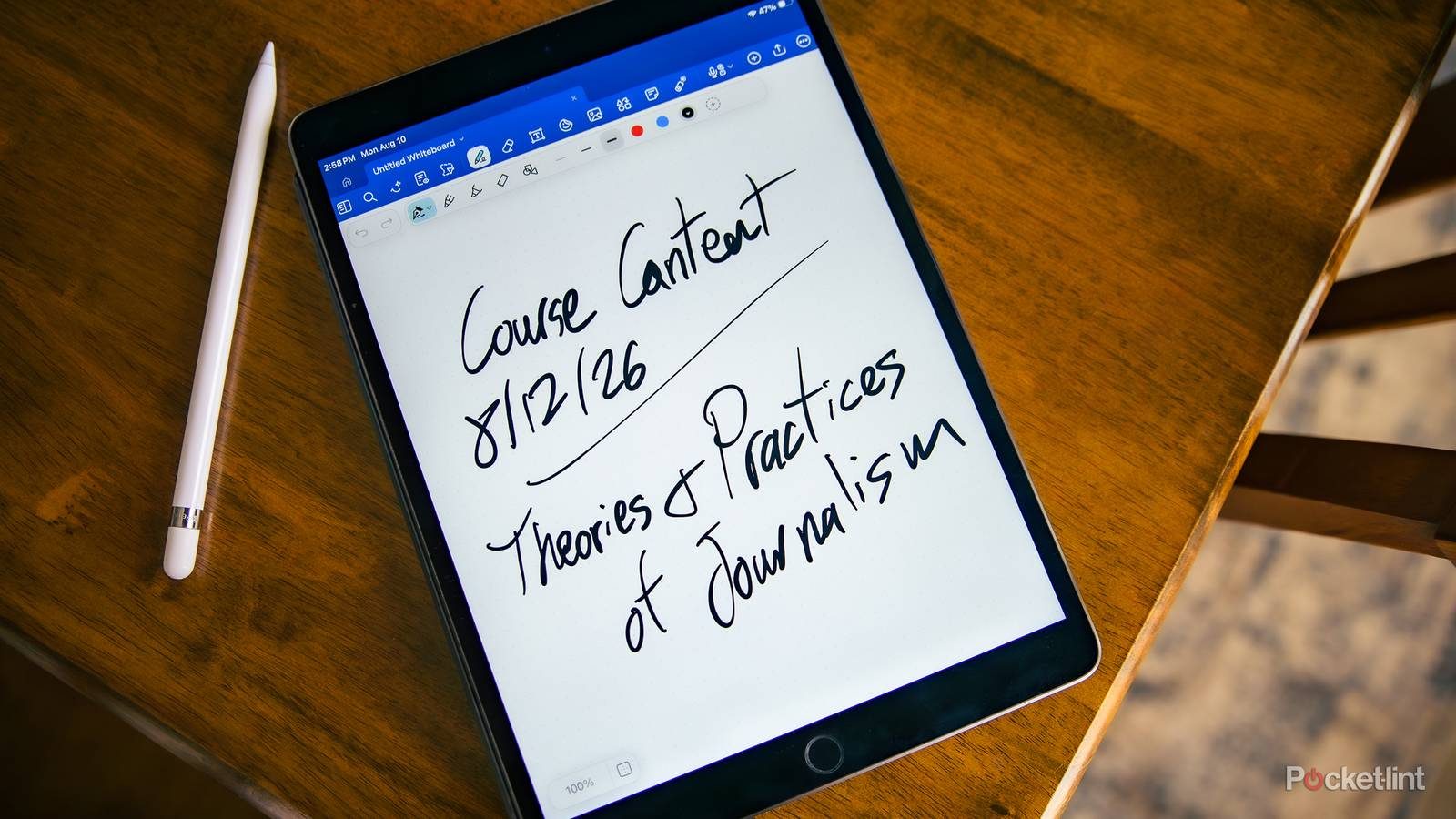
After trying just about every note-taking app, I've settled on Notability, GoodNotes, and Apple Notes as my old favorites. They run perfectly on my first-gen iPad Air and Apple Pencil, which have been by my side for years. These apps keep things simple, focusing on the essentials rather than demanding the latest hardware. I maintain notebooks in both paper and digital formats, and my iPad handles the digital side without a hitch. This setup is all I need.
Notability's AI Trade-Off Is a Subscription Story
Notability's AI capabilities are strong, yet they demand a separate subscription from the lifetime license that Classic users already own. On a single page you can mix handwriting, typed text, sketches, photos, and annotations, and the app's lecture recording with transcription turns listening into notes and flashcards for exam prep. But all of that AI sits behind an additional paywall. The one-time $40 purchase for lifetime access is back in time for Back to School, but it still doesn't unlock the AI functions.
GoodNotes 6 Wins When the Room Gets Crowded
The most frequent comparison in the note-taking space pits Notability against GoodNotes, and I use both, but they serve different purposes. GoodNotes 6, made by the company of the same name, is my pick for organizing lectures I teach, specifically because of its White Board feature and shared note capabilities. In a class of about 20 students, I can push a single document to everyone's screen, and the collaboration remains stable even when half the class is on Windows laptops or Chromebooks — a cross-platform reach that Notability does not match. The AI tools that GoodNotes offers, such as handwriting recognition that corrects typos as you write, are locked behind a Pro plan at $36 per year, while a $12 Essential plan still provides the full note-taking experience without the AI layer. For a student whose goal is simply digitizing the lecture, the $12 tier is honest enough; the $36 tier matters only if you want the app to reinterpret what you have written.
Apple Notes Is a Free Ecosystem That Keeps Filling Gaps
Apple Notes is free on all Apple devices and now offers typed text, Apple Pencil handwriting, drawings, scanned documents, photos, audio recordings, tables, and checklists within a single note. Apple Intelligence, though not as strong as competitors, can summarize text or recordings and proofread typed notes. It also includes Math Notes. For students on a budget, a few YouTube tutorials are enough to master it. The app syncs across iPhone, iPad, and Mac via iCloud.
Two Apps for Two Different Kinds of Studying
I keep both Notability and GoodNotes on my iPad, and they serve different purposes. GoodNotes' White Board feature and shared notes make collaborative learning easy for classes of up to 20 students, so I use it to organize my own lectures. Notability, on the other hand, is my go-to for individual study, thanks to its lecture recording and transcription, which condenses the learning process from listening to flashcards. Since GoodNotes is cross-platform, I can swap notes between Apple and non-Apple devices without friction, while Notability keeps everything in its own ecosystem. Having both means I can switch between collaborative and solo note-taking without missing a beat.