Computing
SSDs Are a Backup Time Bomb — the Leaked Charge Problem Nobody Checks
NAND flash loses electrical charge when unpowered, and the industry's own numbers show idle drives corrupt silently — here's what actually keeps files safe for years.
- Author
Gadgion
- Published
- Filed under
- Computing
The Charge That Leaks Away
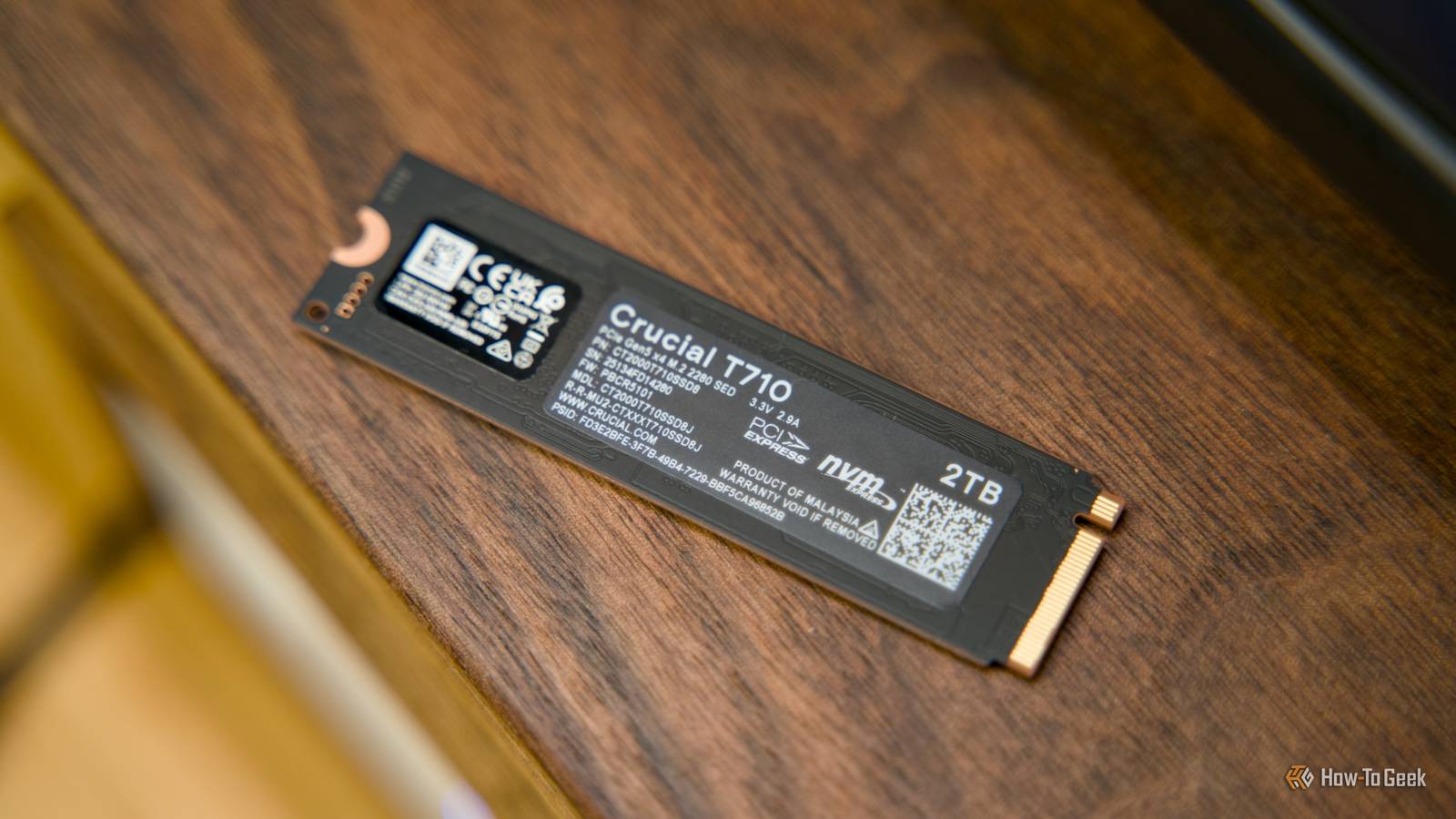
Every SSD stores your data as electrical charge in NAND flash cells. That charge is never perfectly stable — it dissipates slowly over time, and the effect gets worse with every program/erase cycle. Western Digital's engineering notes are blunt: data retention diminishes as P/E cycles increase. When the drive is powered and running, its controller runs background checks that catch weak blocks and correct bit errors with ECC. Turn it off and slide it into a drawer, and that safety net disappears entirely. Your files don't vanish on a schedule — the charge decays regardless of whether you're watching, and the drive can't remap failing cells or scrub errors until you power it up again. By then, the corruption may already be a permanent part of the data. The physics is the same for every NAND manufacturer; it's not a defect in one brand, it's the fundamental trade-off of flash storage. The longer the drive sits unpowered, the more charge bleeds away, and the less margin the controller has to recover what's left.
A Two-Year Test With Grim Results
YouTuber HTWingNut has been running a small, deliberately extreme experiment. He took four cheap TLC SSDs that had been hammered far past their rated TBW — the drive's total bytes written warranty — and stored them unpowered for two years. When he powered them up and checked the files, the drives that had seen the heaviest use showed signs of corruption. It's a sample size of four, so it's not a statistical proof, but it illustrates exactly what the physics predicts: heavily worn flash cells have less charge retention margin, and once they're left alone, they fail faster than fresh drives. The drives that were closer to their rated endurance didn't corrupt as badly, but every one of them deteriorated to some degree over the two-year period.
The 3-2-1 Rule That Outlives Any Storage Medium
No single storage technology is safe forever. Hard drives suffer mechanical failures after a few years, SSDs leak charge, optical discs delaminate. But the 3-2-1 backup rule is designed to survive any single medium failing. You keep three copies of your data, on at least two different types of storage devices, with one copy stored offsite. For the offsite copy, a cheap external HDD is still a workable cold-storage option — it doesn't have the charge-leakage problem, though it has its own failure modes. A NAS with spinning disks gives you always-powered, always-monitored storage that can check itself, and you can even repurpose an old PC into one. The rule matters more than which specific drive you choose. If you have only a single SSD in a drawer, you're violating the rule and gambling on that one drive's charge retention — a bet the physics doesn't support. Spread your copies across two different media types, and a single drive's corruption won't take your only copy with it.
When an SSD Is Still the Right Tool
None of this means SSDs are bad for backups. They're excellent for working storage — the drive you keep inside your PC for games or large project files, where you need fast access and you're writing and rewriting constantly. They're also the fastest way to snapshot your OS before a risky system tweak; cloning to an NVMe drive takes minutes, not the hours a spinning disk might need. And in a NAS, an SSD excels as a cache or boot drive, where its speed complements the slower spinning storage instead of replacing it. The key is to use an SSD where it's powered on and active, not as a long-term archive. If you do decide to use an SSD for a backup you plan to leave unplugged, at least be aware that you're taking on a risk that gets worse every month. The drive will not warn you when charge levels drop below the controller's threshold for accurate reads — the files will just silently become unreadable the next time you connect it.
If You Must Park Data on an SSD, Do It Like a Watchdog
When there's no alternative — maybe you only have SSDs on hand and need to move data out of active service — you can slow the decay. Power the drive up at least once a year, and more often if it's been heavily used. Run a full read/verify pass over all the data, then compare checksums for your irreplaceable files. A free tool like CrystalDiskInfo reads SMART data and will flag rising error rates or reallocated sector counts, giving you early warning that the flash is degrading. The act of powering up lets the controller run its own background checks and rewrite weak cells — that's what refreshes the charge and keeps the drive alive. Without that periodic refresh, you're trusting the original charge to hold for years, and the math on NAND retention says it won't. If you can't commit to that maintenance cycle, put the backup on a hard drive or in a cloud service instead. The 3-2-1 rule doesn't have a clause for 'but I checked it last year' — it assumes you'll verify, and SSDs demand that verification more than any other medium.