 Life
Dell's $450 discount: 8 specs that define the value and the compromise
Life
Dell's $450 discount: 8 specs that define the value and the compromise
Computing
Chromebooks that hold up: the best of 2026, from $200 to 19-hour battery
PCWorld's hands-on testing picks three models that stay fast under real use and survive a full day unplugged, whether you're shopping on a tight budget or ready to splurge on OLED.
- Author
Gadgion
- Published
- Filed under
- Computing
Why Chromebooks still make sense
A Chromebook runs only Google's Chrome OS, so it skips the bloat of Windows and macOS but also skips local apps like Photoshop or Steam. That trade-off is exactly why they appeal to anyone who mostly lives in a browser—Google Drive, YouTube, and a dozen open tabs are the whole job. The catch is that many cheap Chromebooks stumble under that load, with 4GB of RAM and dual-core Celeron chips causing visible lag. PCWorld's review team, which benchmarks more than 70 laptops a year, focused this roundup on models that stay fast when you actually pile on tabs and still make it through a workday without hunting for an outlet. The three picks—the Asus CX34 with an Intel Core i5 and a 13-hour battery, the under-$200 Asus CX15 with a Celeron and 4GB RAM, and the OLED Lenovo Plus 14 with a Kompanio Ultra chip and 19-hour battery—show the real trade-offs: more RAM and a faster chip mean smoother multitasking, while battery ranges from about 10 hours on the budget model to 19 on the high-end one.
Best overall: Asus Chromebook Plus CX34
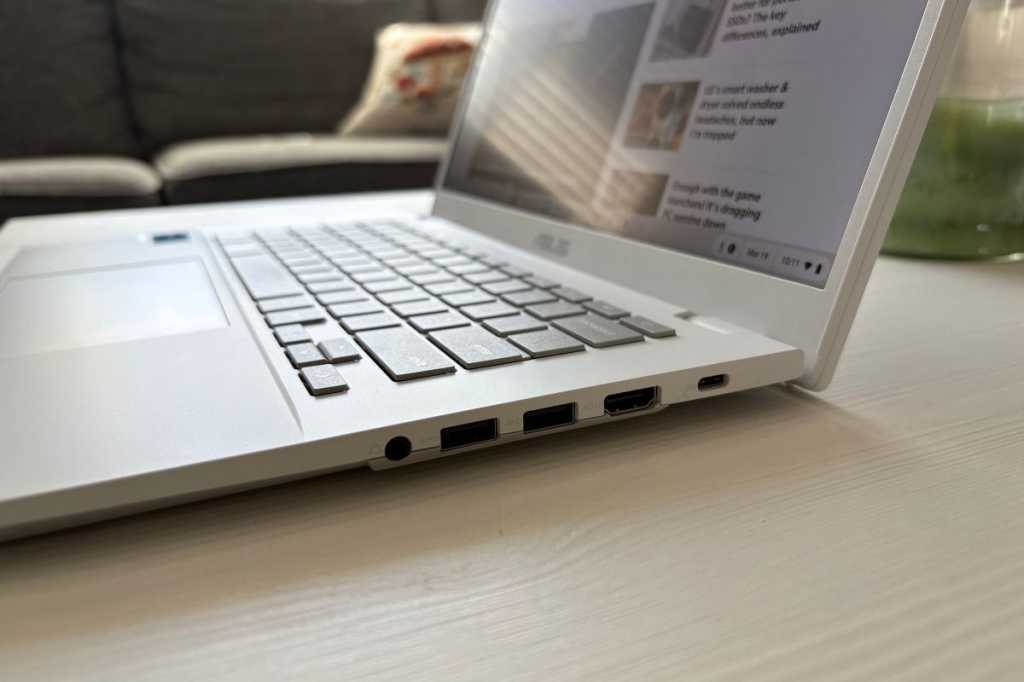
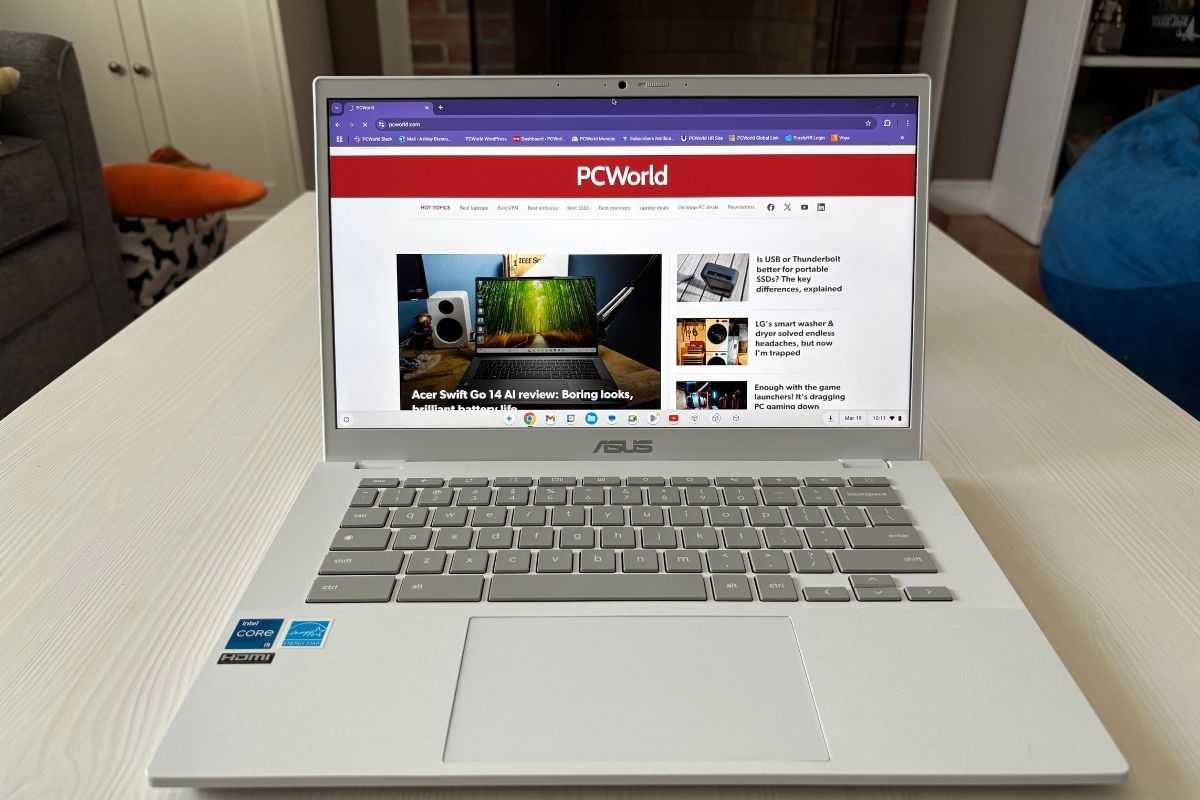
The Asus Chromebook Plus CX34 is the all-rounder that does everything competently. Its Intel Core i5 processor keeps streaming, schoolwork, and tab-hoarding smooth, and the port selection is a rarity in this category: USB-C, USB-A, HDMI, and a headphone jack mean you can leave the dongle at home. The keyboard is comfortable for long typing sessions, and the design feels more polished than its mid-range price suggests. But the 16:9 display is the weak point—cramped if you're used to taller screens—and the battery rating of 13 hours sounds fine until you realize several rivals push past 15. Compared to the other picks, it offers more processing power and ports than the budget Asus CX15 (which has a Celeron and 4GB RAM), while the premium Lenovo Plus 14 matches its performance with an OLED touchscreen and nearly 19 hours of battery life; the CX34's 13-hour battery sits below that, but for most daily tasks it's enough.
Budget champ: Asus Chromebook CX15
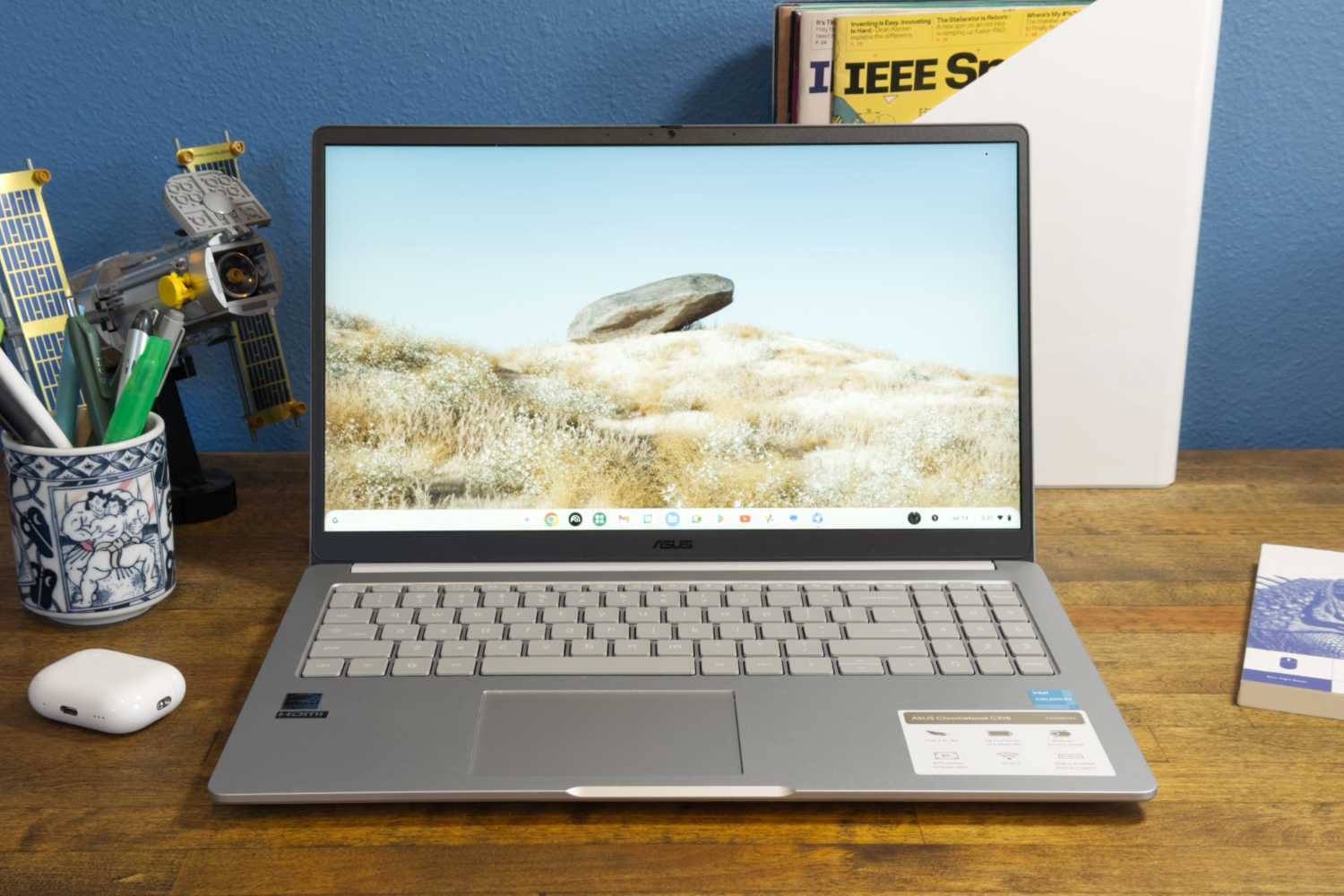
If you need a laptop for under $200, the Asus Chromebook CX15 is a surprising value. Its 15.6-inch 1080p display is sharp and spacious, and the roomy keyboard feels more premium than the price suggests. The Intel Celeron N4500 processor and 4GB of RAM are enough for web browsing and YouTube, but heavier multitasking will stall—keep a dozen tabs open and you'll feel it. Battery life lands around 10 hours, which is decent but shorter than the category leaders. What makes the CX15 notably less painful than other sub-$200 machines is the display quality and the comfortable typing experience; most budget Chromebooks sacrifice both. If you're a student or a casual user who doesn't push the machine hard, it gets the job done without the usual cheap-laptop compromises. The touchpad is small and the processor is slow, but at this price, the trade-offs are easier to accept—especially when the screen is this easy on the eyes.
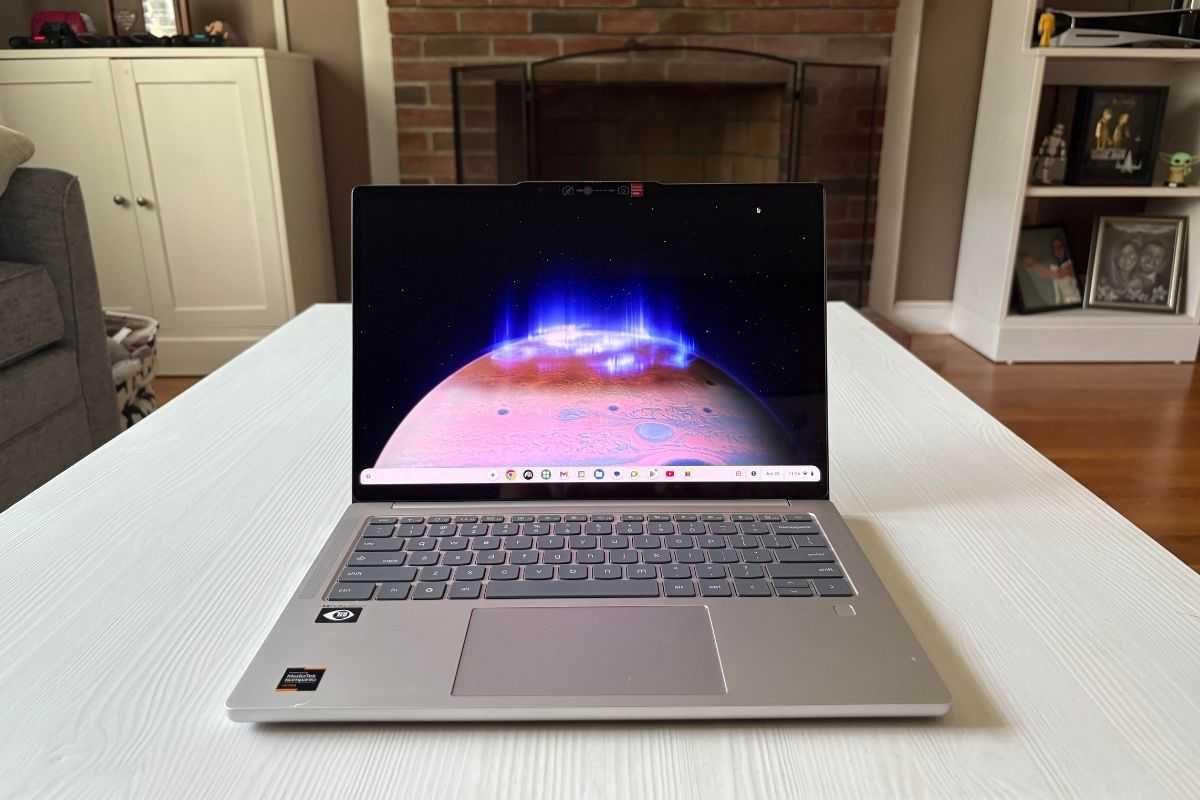
Splurge-worthy: Lenovo Chromebook Plus 14
The Lenovo Chromebook Plus 14 is the closest a Chromebook gets to a premium laptop without switching operating systems. Its 14-inch 1920×1200 OLED touchscreen makes colors pop, and the MediaTek Kompanio Ultra 910 chip—paired with a neural processing unit—delivers surprisingly snappy performance for a fanless design. The model PCWorld tested came with 16GB of RAM and 256GB of UFS storage, so it handles heavy tab loads, Google Docs, and video streaming without a hitch. The aluminum chassis weighs just 2.78 pounds, making it easy to carry, and battery life reaches about 19 hours at conservative brightness settings. The function keys are small and the surface picks up fingerprints, but those are minor nits. This is the Chromebook to buy if you want a machine that feels genuinely premium—one that competes with ultrabooks twice its price, while sticking to the simplicity of Chrome OS.
How PCWorld tests Chromebooks
Chromebooks can't run the same CPU and GPU benchmarks as Windows laptops, so PCWorld's testing uses a suite of web-based performance tests, pushing each machine to its limits and then comparing it against the field. The team also applies rigorous usability standards—typing on the keyboard, scrolling through long pages, and watching for lag when multiple tabs are open. Battery life is measured under realistic conditions, not just a looped video. This hands-on approach caught the Asus CX34's oddly short endurance and the Lenovo Plus 14's surprisingly strong fanless performance. The result is a set of picks that reflect actual performance gains from more RAM and a faster chip—the budget model's 4GB RAM causes lag under heavier tabs, while the premium model's 16GB stays smooth—so the roundup covers both ends of the spectrum.
What to check before you buy
The most important component in a Chromebook is the processor. Mid-range models in the $400–$600 range typically come with Intel Pentium, Core i3, or AMD Ryzen 3 chips, which keep the browser smooth. More expensive options step up to Core i5, Ryzen 5, or the newer MediaTek Kompanio Ultra chips, which are more powerful and AI-ready. RAM is the next bottleneck: many budget Chromebooks ship with 4GB, which is enough for light use but will lag if you keep dozens of tabs open. PCWorld recommends stepping up to 8GB if you can, or 16GB for heavy multitasking. Storage is often modest, but since most work lives in the cloud, that's less of a concern. Finally, remember that Chromebooks are locked into Chrome OS—you can't install Windows or macOS. That's fine if you live in a browser, but a dealbreaker for anyone needing local apps or games.
Keep going
Life
Dell's $450 discount: 8 specs that define the value and the compromise
 Apple
MacBook Neo Is Ripping Chromebooks and Windows Out of American Classrooms
Apple
MacBook Neo Is Ripping Chromebooks and Windows Out of American Classrooms