 Mobile
The InkLeaf is a dual-screen e-reader that folds like a hardback
Mobile
The InkLeaf is a dual-screen e-reader that folds like a hardback
Life
Offline AI Rescues Obsidian on Mobile, One Local LLM at a Time
Obsidian for mobile feels like a filing cabinet with broken search—but pairing it with a local LLM changes everything, from on-device ingestion to offline, note-centric AI that works without a signal.
- Author
Gadgion
- Published
- Filed under
- Life
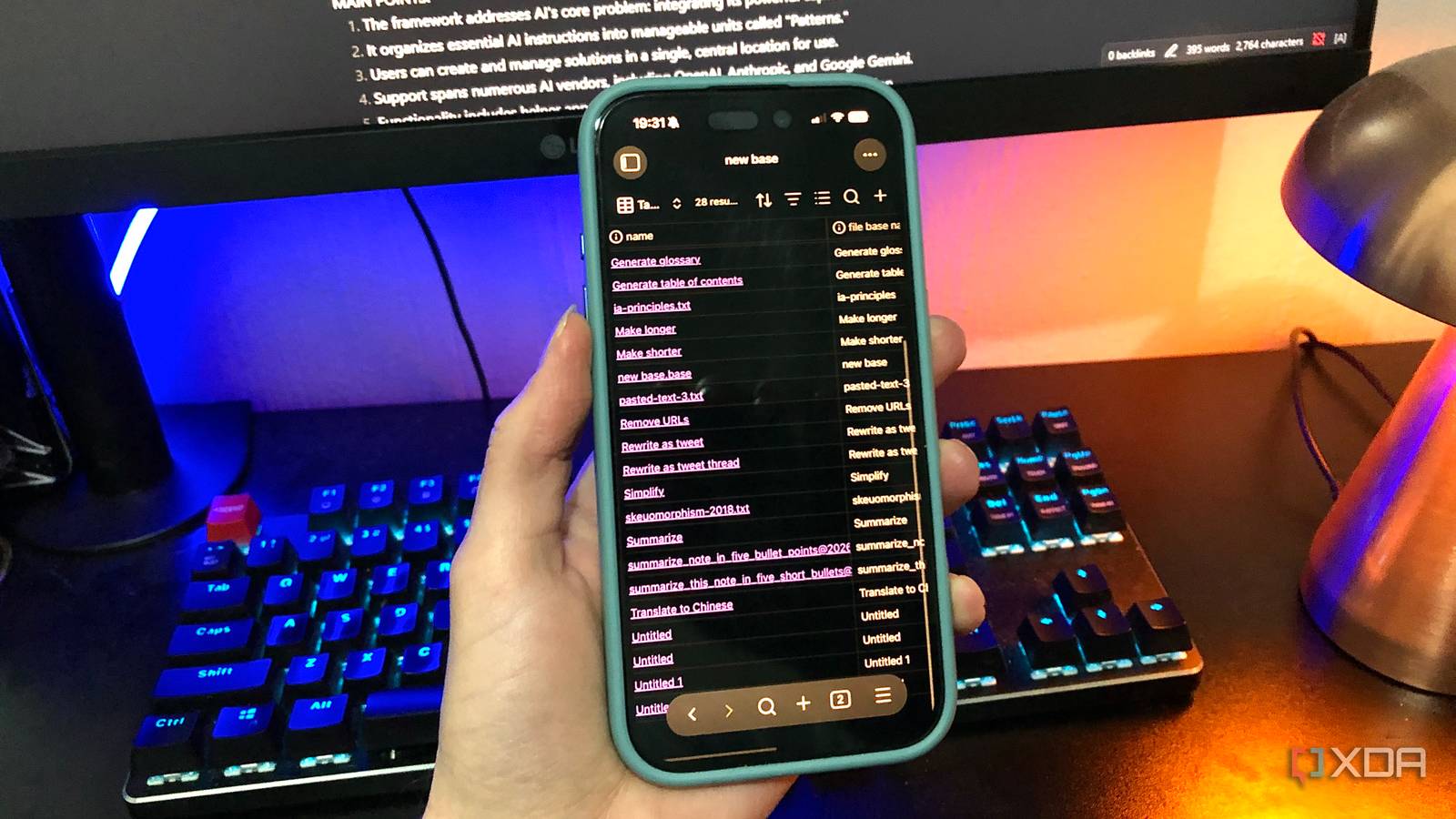
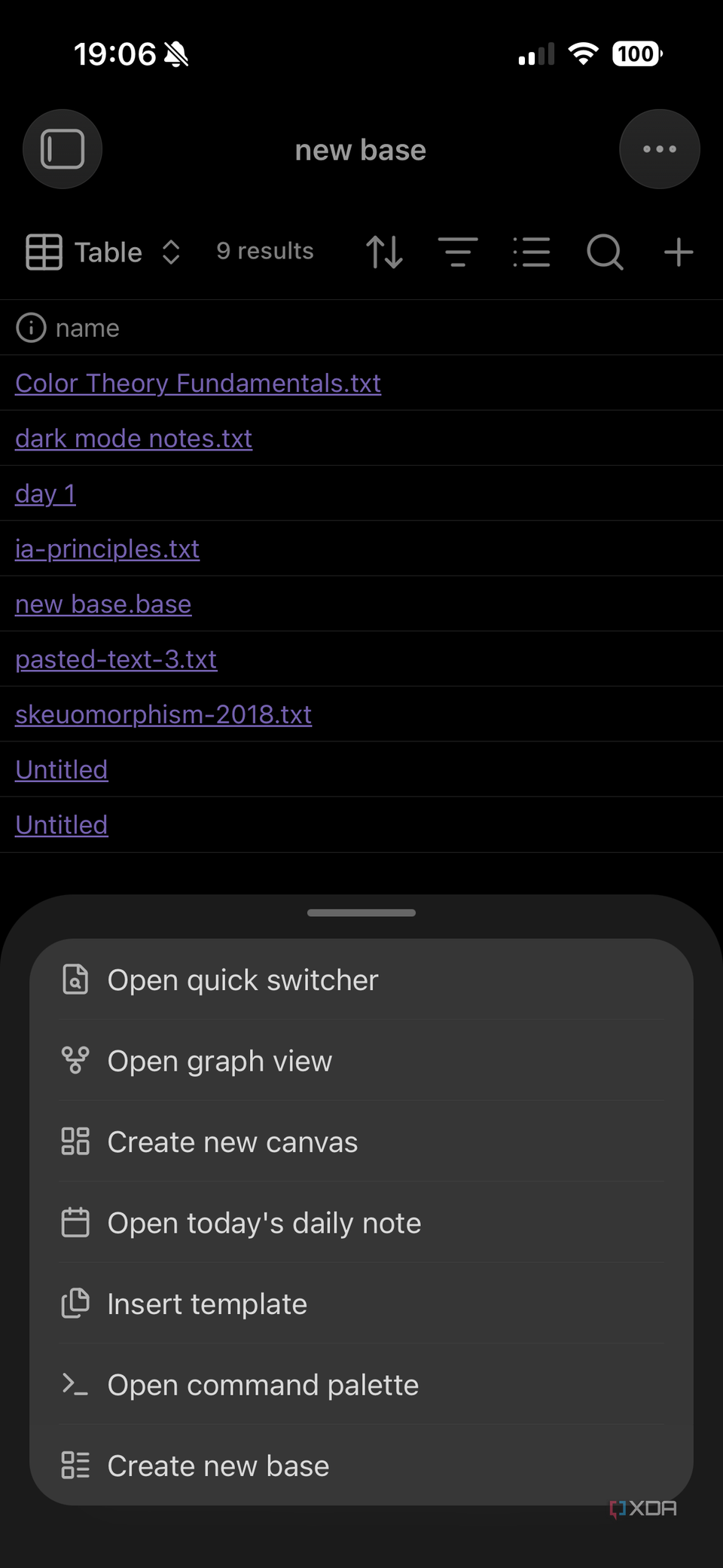
Mobile Obsidian turns your phone into a filing cabinet with a broken search
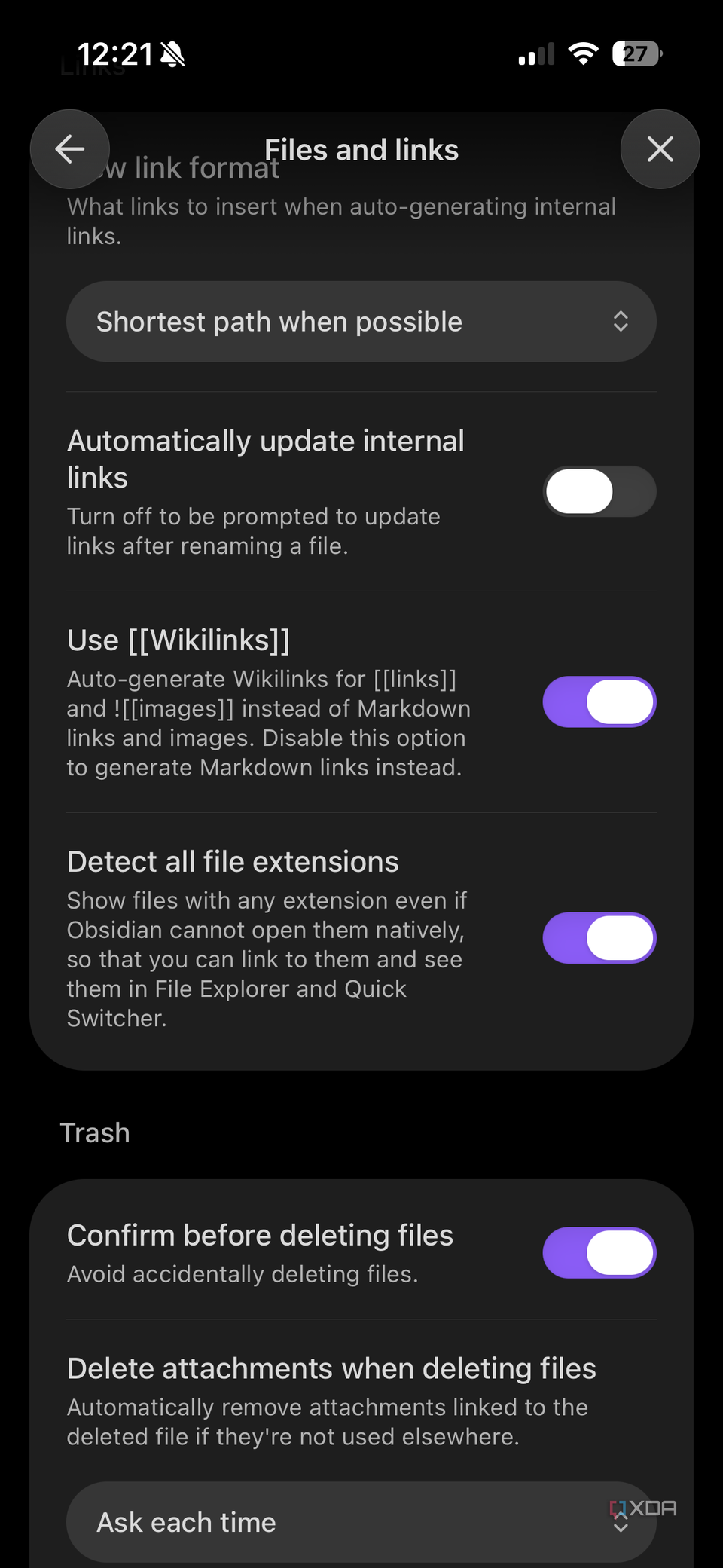
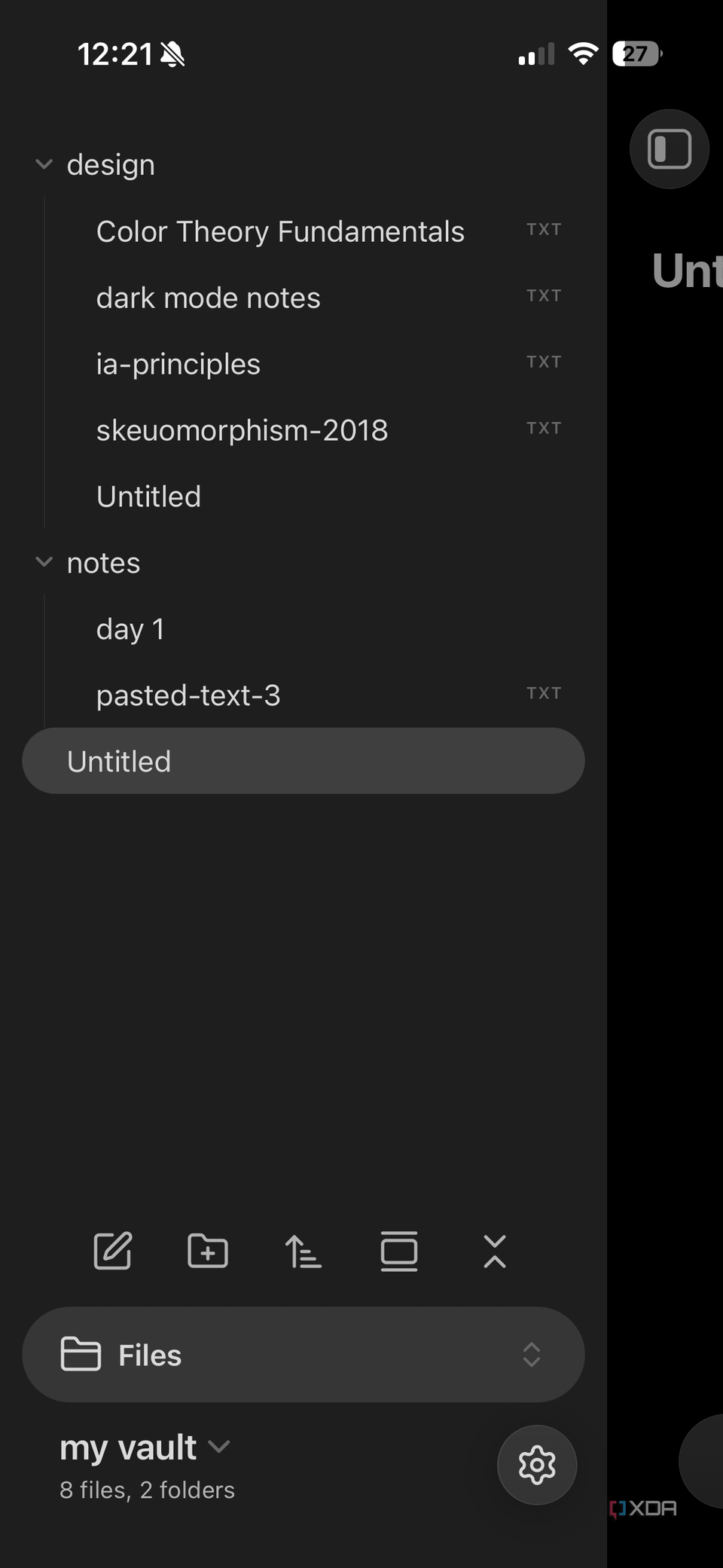
My Obsidian vault resides in local phone storage, deliberately avoiding iCloud to maintain device-only possession. While adding quick notes is straightforward, retrieving information weeks later presents a real hurdle. Without recalling which folder a note sits in or its precise title, the search process mirrors rummaging through an unsorted filing cabinet. This retrieval gap is the trade-off that rarely gets mentioned: mobile Obsidian shines for capture but stumbles when you need to find something. Desktop setups mitigate this with AI plugins connected to local LLMs via Ollama or LM Studio, but on mobile, these plugins typically depend on a LAN or Tailscale link back to your computer. That connection makes them remote solutions rather than true local tools, leaving users without a seamless on-the-go AI-assisted search.
Desktop AI setups can't follow you off the LAN
On desktop, integrating Obsidian with a local LLM via Ollama or LM Studio builds a robust search and retrieval system. Mobile Obsidian plugins that support local models, though, typically cannot run those models on the phone itself. They instead rely on a LAN or Tailscale connection to your desktop computer, which makes them remote-dependent solutions. This means the AI workflow disappears when you leave your home network—say, at a coffee shop or while traveling. Apps like PocketPal provide offline LLM chat on mobile but don't accept document uploads, so they can't search your vault. The lack of a true on-device AI for Obsidian persisted until solutions like Noema came along, bridging this gap with document ingestion capabilities. Without on-device processing, mobile AI for note-taking remains tethered to a physical location.
On-device document ingestion comes to iOS
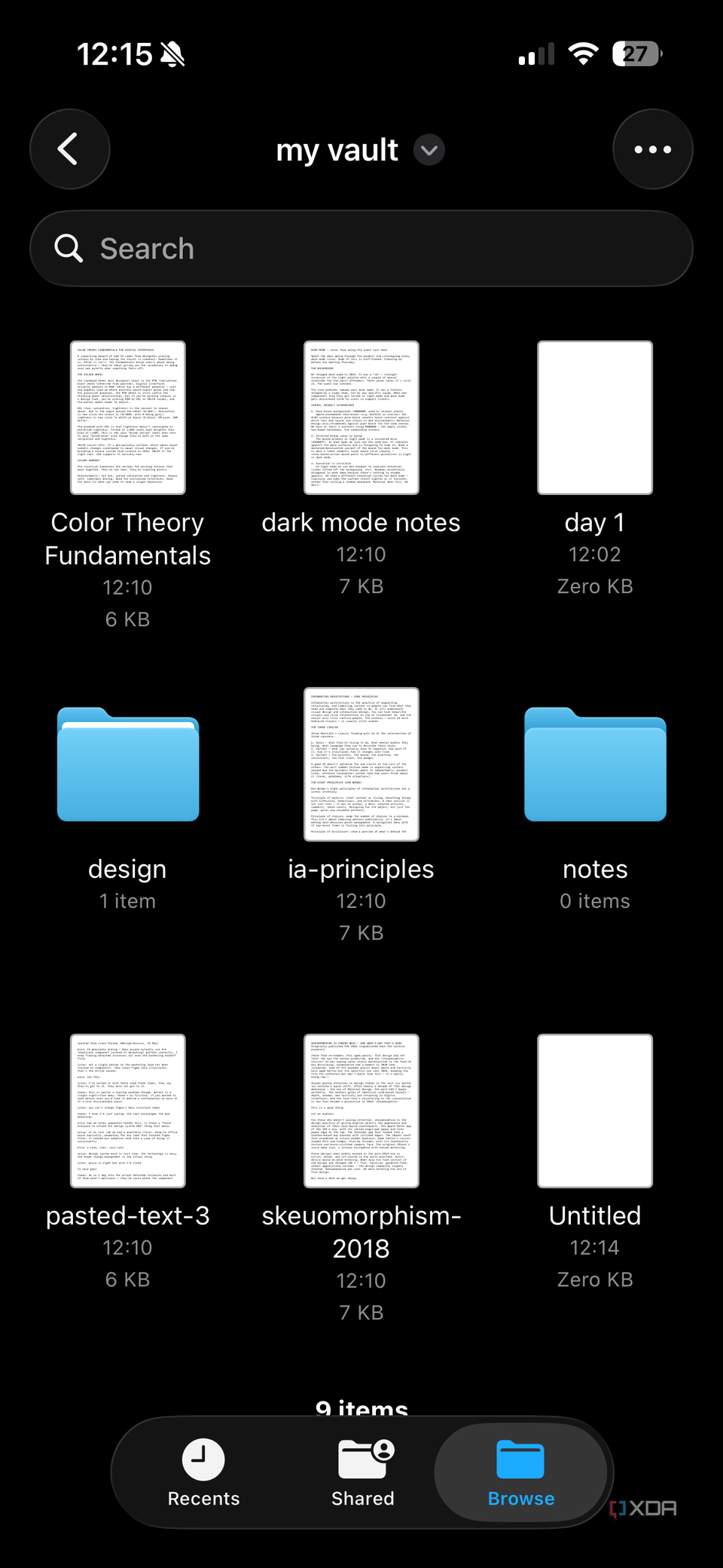
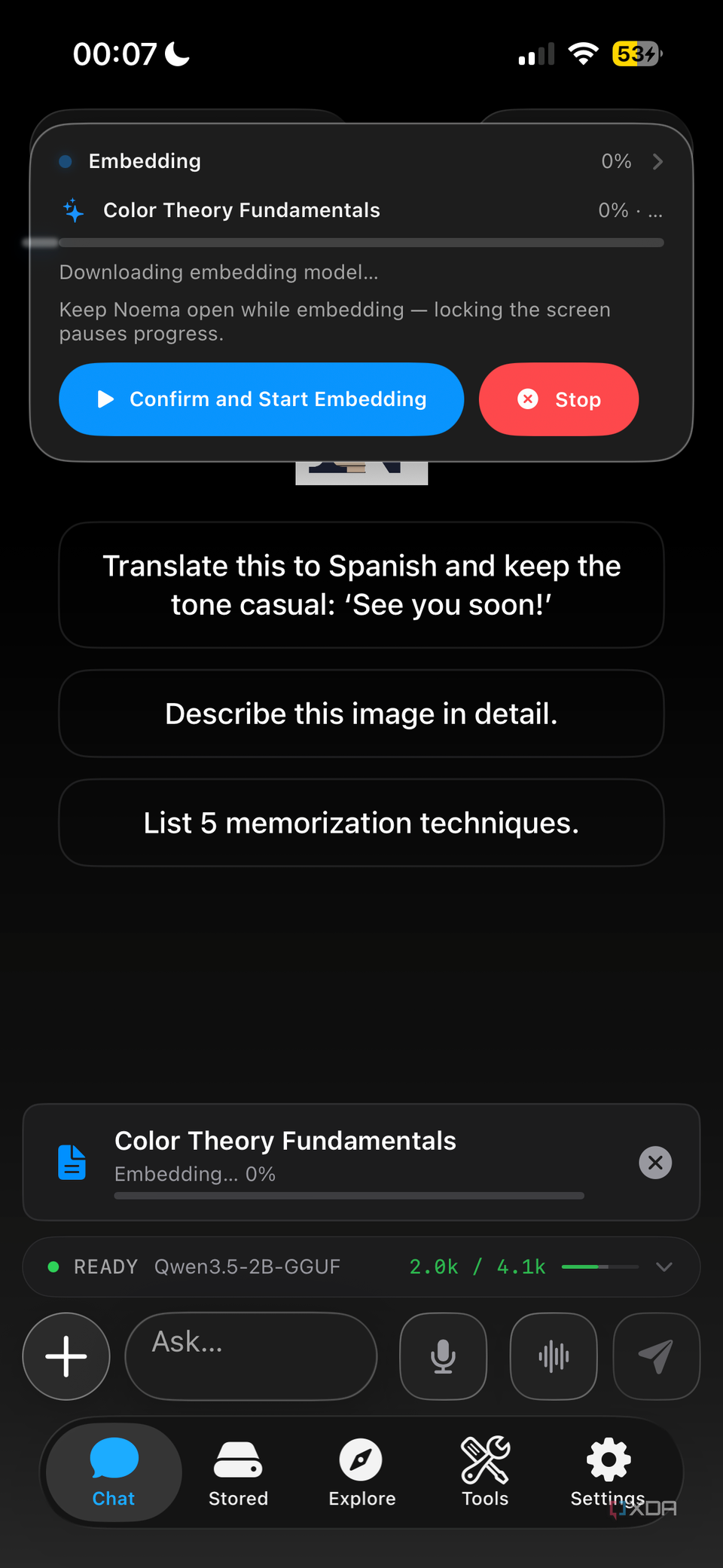
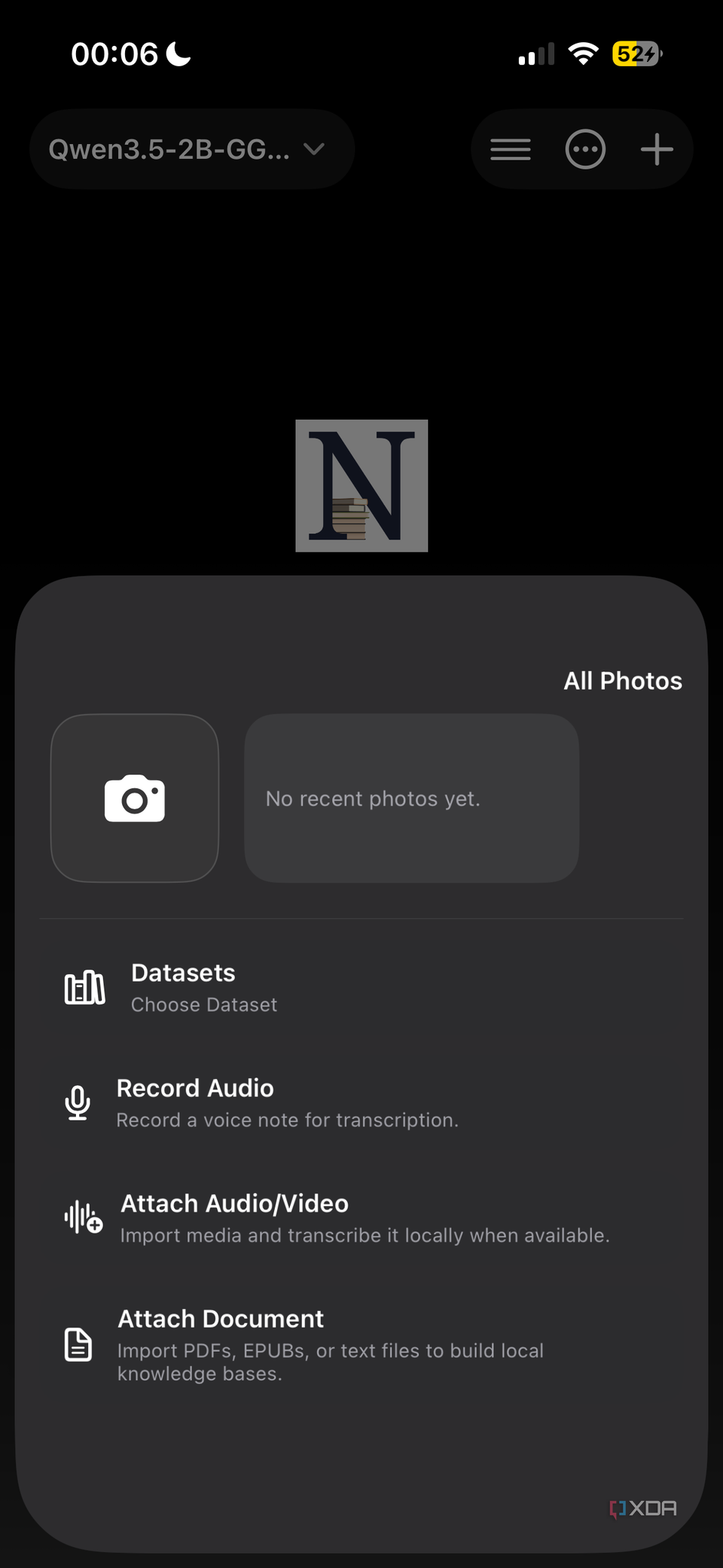
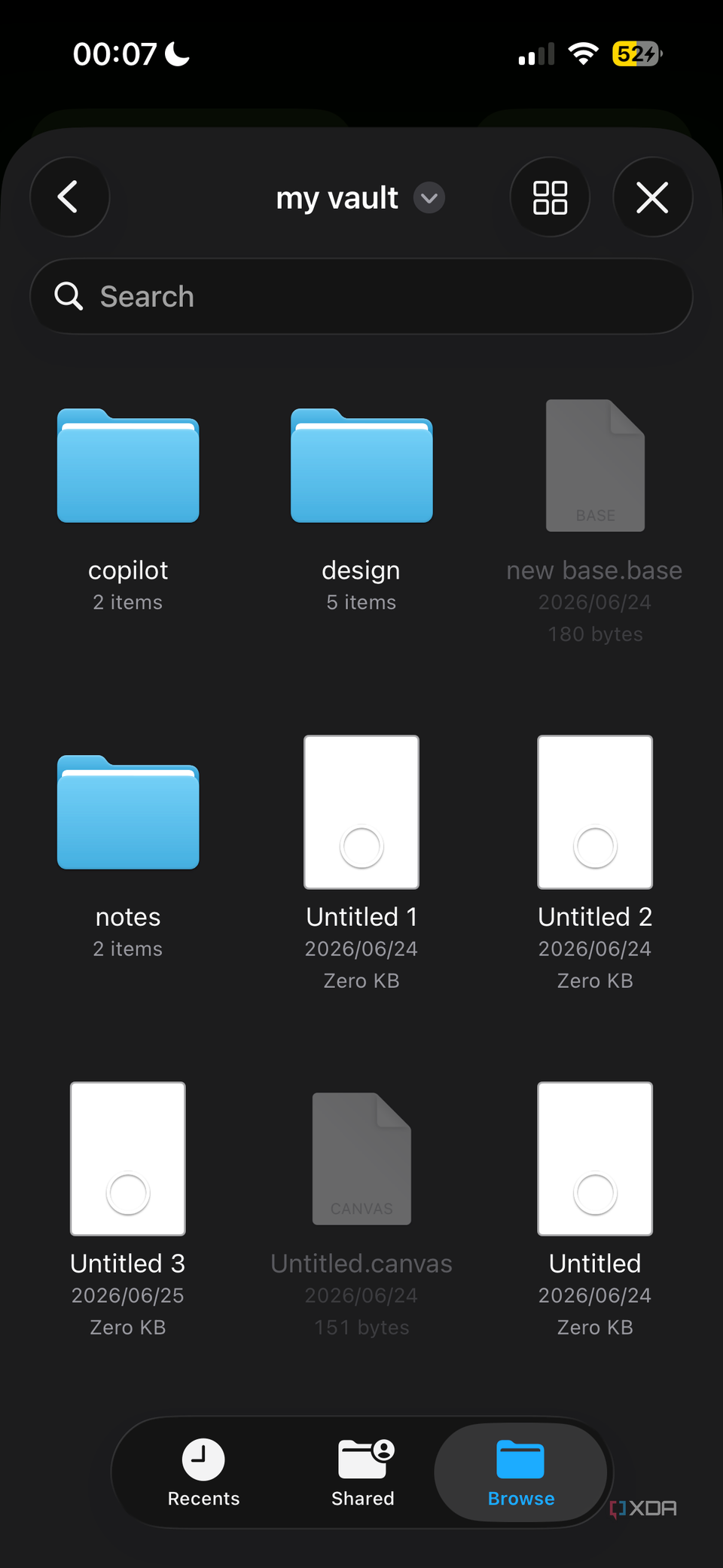
Noema is a free iOS app that runs local LLMs in GGUF, MLX, and Liquid AI's SLM formats and performs document ingestion directly on the phone. The first time you add a file, it downloads an embedding model — a one-time setup step that converts your text into searchable vectors stored locally. After that, every document you add gets indexed on-device with no cloud calls at any point. To bring notes in, hit the Plus icon, navigate to your vault in the Files app, and select the files you want indexed. Noema reads .md, .txt, PDF, EPUB, CSV, JSON, and JSONL natively, so Obsidian notes in any of those formats — whether a quick text note, a structured CSV data set, or a PDF reference document — become searchable from the phone. In practice, this means you can capture a thought in Obsidian during the day and query Noema about it later without needing to remember which folder you filed it in or what you titled it. On Android, LocalRAG handles similar on-device document processing.
RAG turns your notes into a searchable knowledge base
Retrieval-augmented generation indexes notes on the device so the AI can draw from them directly. Rather than summarizing an entire document, the system retrieves specific chunks relevant to a query and returns a synthesized answer with numbered references to each source chunk. Every claim in the response can be traced back to the exact passage it came from. Ask a question about a topic covered across several notes — meeting notes from different weeks, research gathered over months, or reflections spread across a journal — and the system consolidates the relevant sections into a single answer while preserving the link to each original note. The embedding model captures semantic relationships between terms, so a query for 'quarterly revenue' can surface notes that discuss 'Q3 earnings' or 'financial results' even when the exact words differ. A large, loosely organized vault becomes queryable this way: you ask in natural language and get back a direct answer with its sources, rather than scrolling through folders looking for a keyword match. The distinction from summarization matters — retrieval preserves the original context and lets you verify the answer against your own writing.
Offline AI means your notes work when the signal doesn't
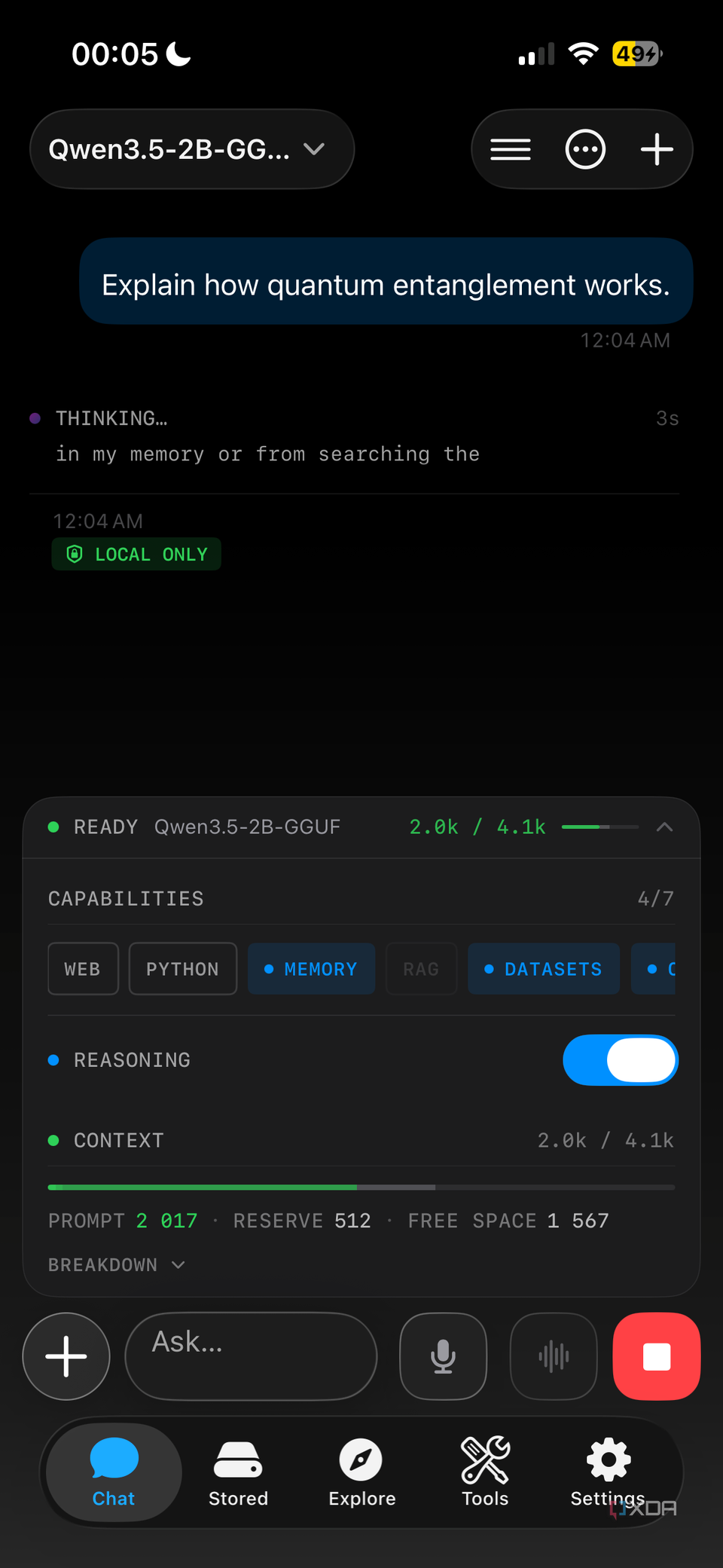
The entire stack — the LLM, the embedding model, the document index, and the response generation — runs on the phone's own hardware. That includes the embedding model which indexes your documents into vectors and the inference engine which generates answers, both executing without a remote server. Cloud-based AI tools fail the moment a connection drops; this setup does not. The practical difference surfaces in specific moments: Wi-Fi cuts out at home, a dead zone appears during a commute, the power goes down and takes the router with it, or a flight offers no connectivity at all. In each case, you open the app, ask a question, and get a synthesized answer with source references to your notes — all while in airplane mode. The trade-off for that independence is storage: the model files and indexed documents require a few gigabytes of phone space, a one-time allocation rather than a recurring cost. Mobile AI has been dominated by cloud tools long enough that running the complete stack on a phone — model, embeddings, and your own knowledge base — still feels like it should not be practical. Then you try it once with no signal and the limitation disappears.
Built-in features support note-centric workflows
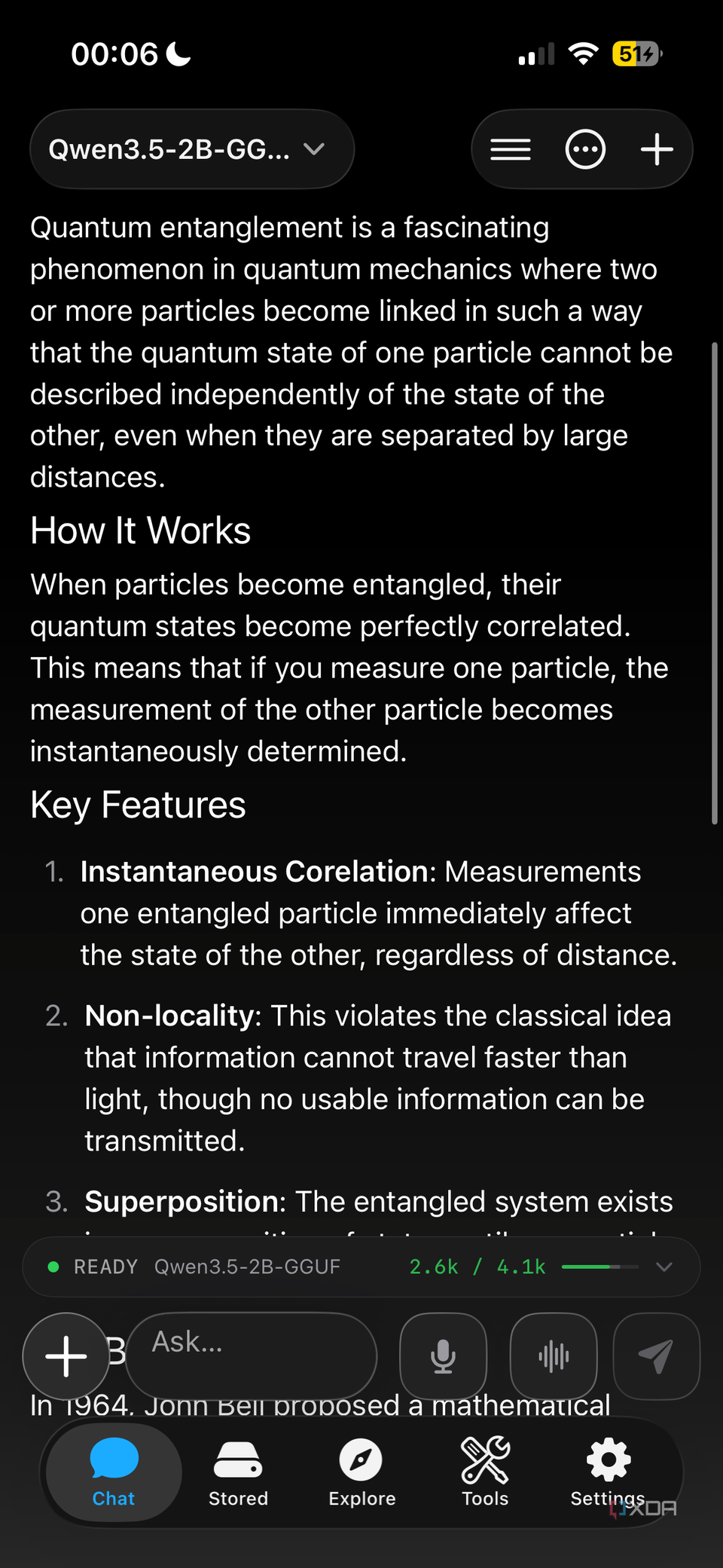
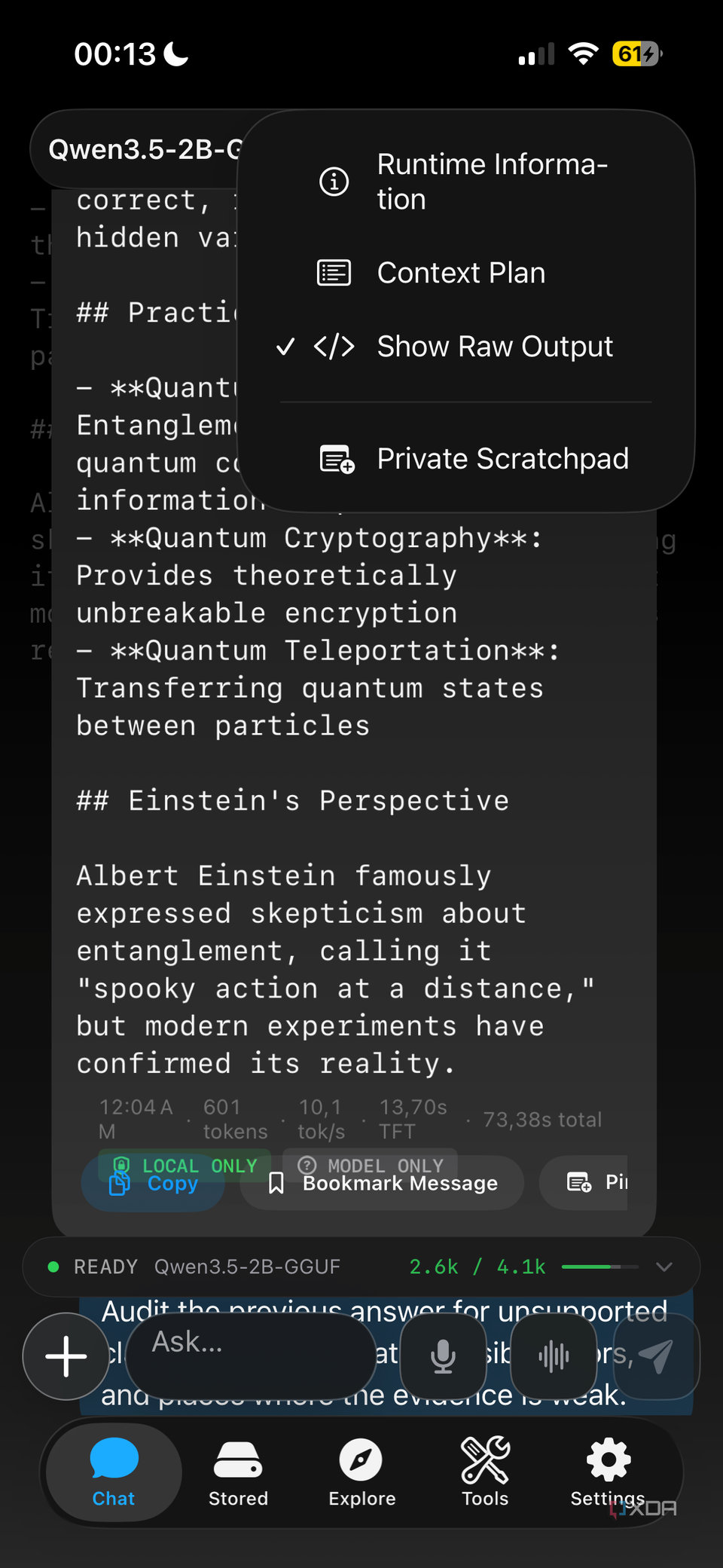
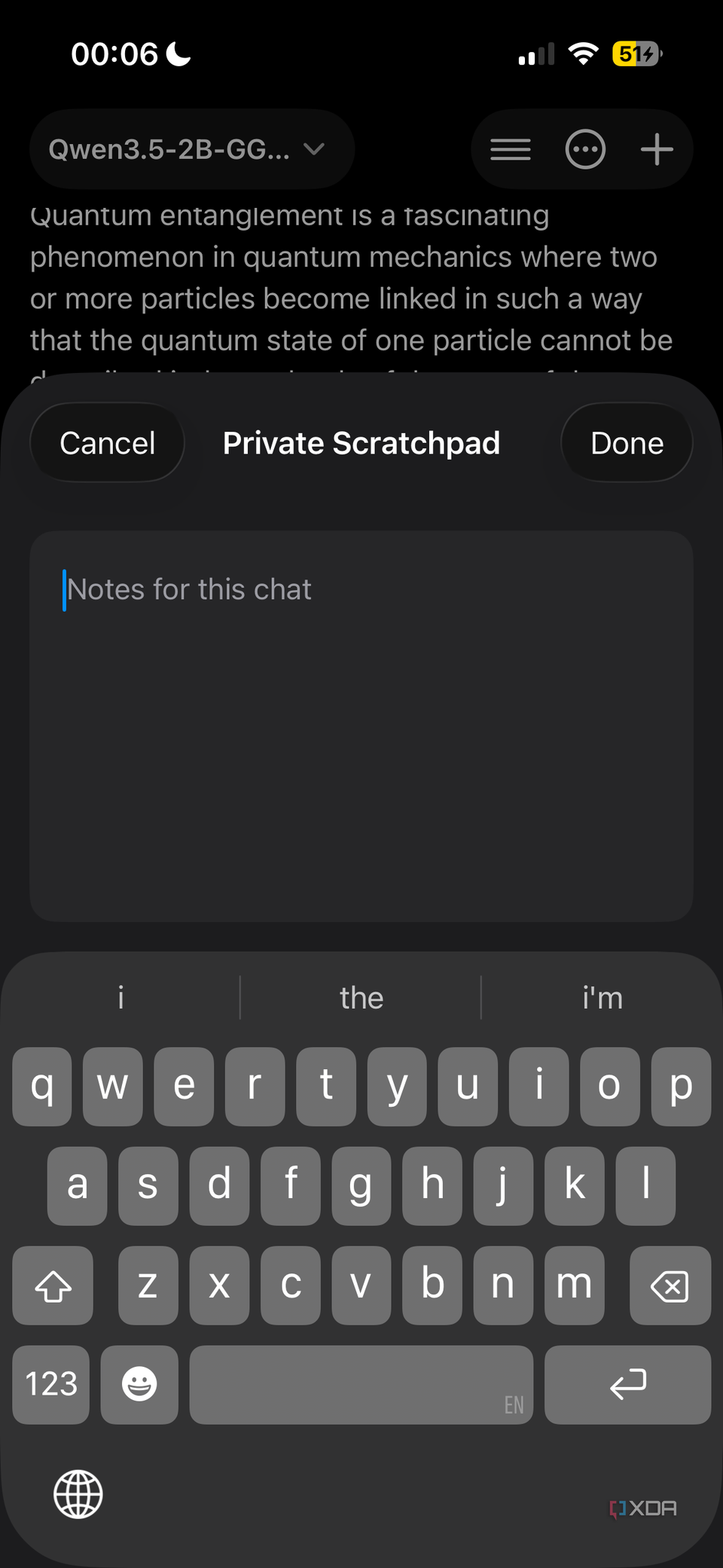
Responses can be bookmarked for later reference, pinned to a built-in scratchpad, or branched into follow-up threads that let you explore a topic from different angles without losing the original answer. Each action happens within the app, so there is no need to switch between tools mid-conversation. Copying a response preserves its formatting — headers, lists, and code blocks transfer intact when pasted directly into an Obsidian note, which eliminates the cleanup step that usually follows moving AI-generated text into a structured editor. The scratchpad functions as a side notepad inside the app: you can draft ideas, reorganize fragments of an answer, or jot down outlines without leaving the conversation that produced them. This matters in a note-centric workflow because the gap between getting an answer and putting it in the right place is where most friction lives. When the answer copies cleanly and the scratchpad lets you refine it in context, the path from query to finished note shortens to a few taps. The app also exposes controls for temperature and context length, which adapt its behavior between strict factual retrieval and looser brainstorming — a range that suits the mix of tasks a note vault typically supports.
Customizable controls let you fine-tune the AI's behavior
Noema exposes technical parameters like temperature and context length for user adjustment, a feature uncommon in mobile AI apps. Temperature influences response creativity: a setting near zero produces consistent, factual answers, while values closer to one generate more varied suggestions suited to brainstorming or drafting. Context length determines the volume of note history and document content the AI processes per query — too little might overlook key details buried in earlier notes, too much strains phone memory and slows inference. For example, setting a moderate context length with a low temperature works well for retrieving specific facts from a vault of research notes, while a higher temperature with a wider context window suits creative sessions that pull from multiple reference documents. The practical range depends on the phone's hardware: older devices hit memory limits sooner, while newer phones handle longer contexts without issue. These controls let you tailor the AI's behavior to the task at hand, whether that means strict accuracy for fact-checking a claim against your own notes or broader exploration for generating new ideas from existing material. Few mobile AI apps expose these levers at all, which means most users never get the option to adjust how the model behaves on their device.
Android users have LocalRAG as an alternative
Android users do not have access to Noema, but LocalRAG fills the same role: it runs a local LLM and performs document ingestion and retrieval entirely on the device. Like Noema, it processes files through a RAG pipeline without making cloud calls, keeping both indexing and query generation on the phone. The reason this matters on Android specifically is that the mobile local LLM landscape skews heavily toward simple chat interfaces. Most on-device runners — PocketPal and similar apps — accept conversational prompts but do not ingest documents, which leaves a gap between talking to an AI offline and searching your own notes offline. LocalRAG closes that gap by accepting document files and building a searchable index from them. The practical filter for evaluating any Android alternative is direct: the app must accept documents from the device's file manager and run its own RAG system locally. If it requires a LAN connection to a desktop machine to reach your notes, it is remote access with extra steps rather than a local workflow. That distinction — local indexing on the phone versus LAN-dependent retrieval from a computer — is the line between a setup that works on a train through a dead zone and one that stops the moment you leave your desk.
Watch the context window when adding large documents
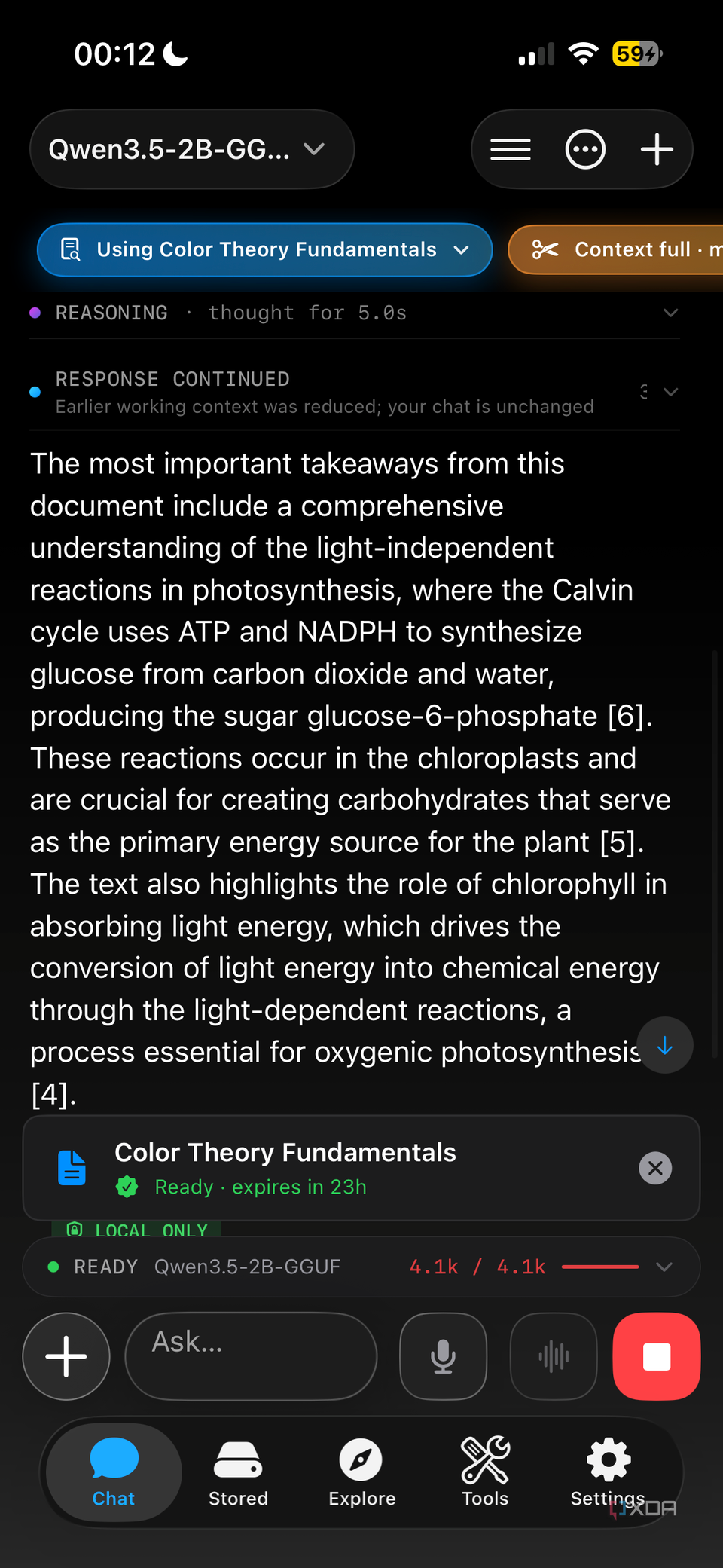
The context window is the amount of text a language model considers at once when generating a response. Every document added to the system competes for that space, and on a phone the limits are tighter than on a desktop — both in raw processing power and available memory. A large PDF or an extensive collection of notes can consume a significant portion of the window before a query even enters the picture, which leaves the model less room to work with when generating an answer. Shorter responses or missing details follow when documents consume too much of the window. The management strategy is straightforward: add files selectively rather than importing an entire vault at once. Group related notes into focused sets — project-specific documents, a week's worth of meeting notes, a single research topic — so the context window stays dedicated to what matters for the current query. Most local LLM apps, including Noema, expose a context length control that lets you adjust how much history the model processes. A shorter context window runs faster and uses less memory, which matters on mobile hardware; a longer window captures more of your notes but slows inference and risks hitting memory limits. Watching this balance is the difference between a phone that responds in a few seconds and one that struggles or crashes mid-answer.
Keep going
Mobile
The InkLeaf is a dual-screen e-reader that folds like a hardback