Mobile
The InkLeaf is a dual-screen e-reader that folds like a hardback
A two-screen E Ink tablet that opens like a notebook, lets you read on one side and write on the other, and ships to early buyers at a steep discount.
- Author
Gadgion
- Published
- Filed under
- Mobile
What is the InkLeaf?
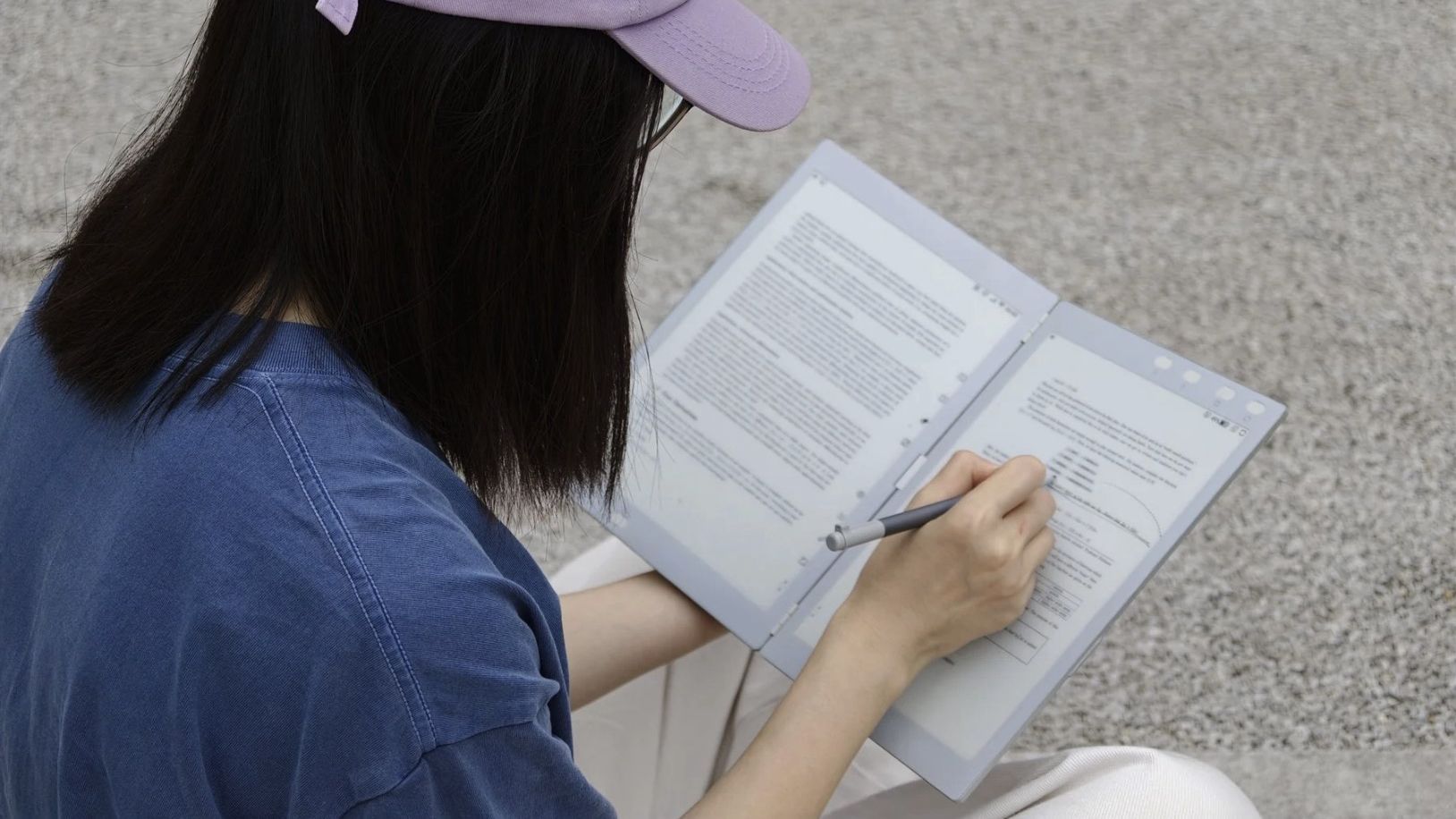
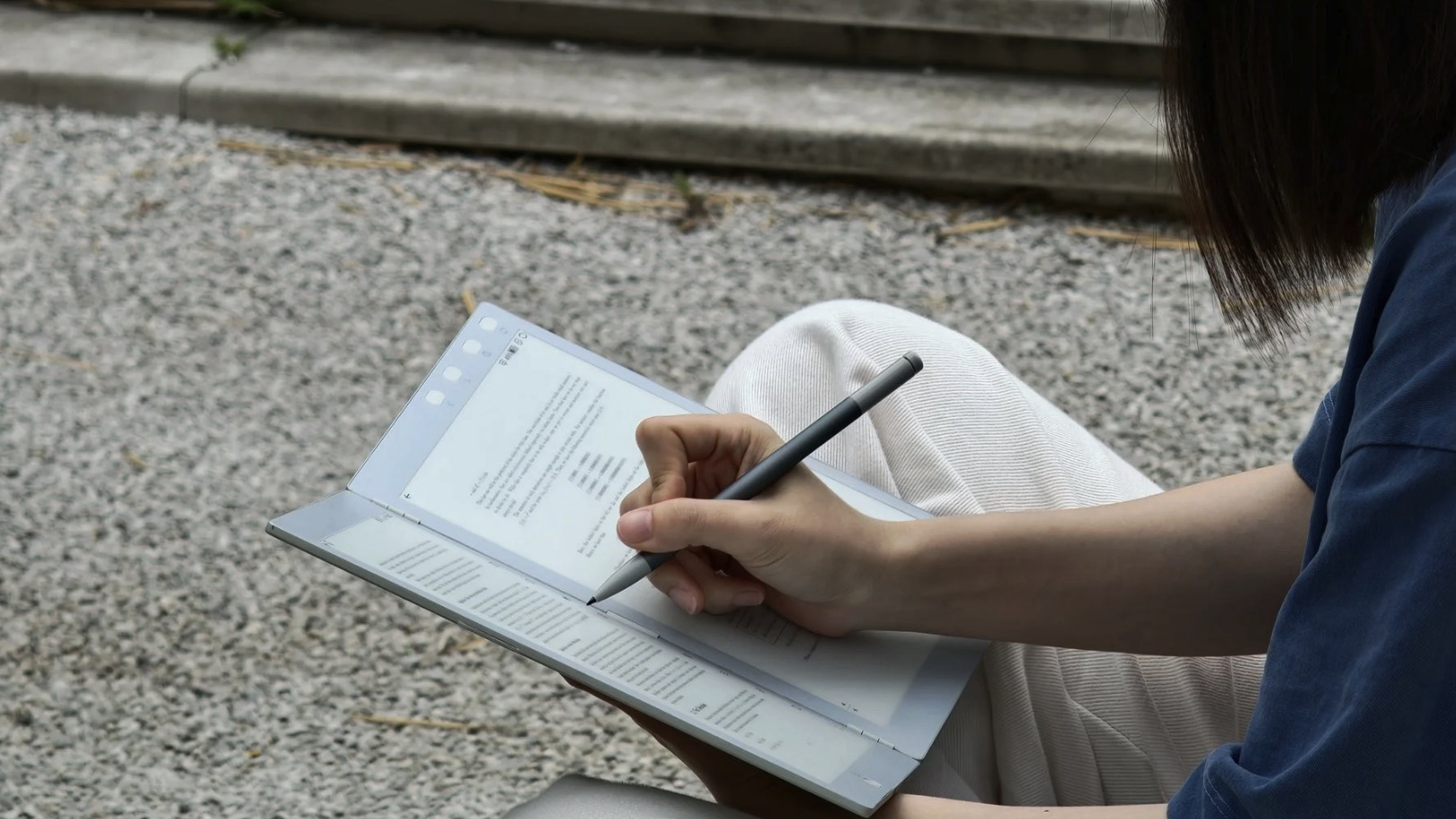
The InkLeaf is a dual-screen e-paper tablet that folds open like a notebook. Two separate e-paper displays are joined by an aluminum frame, so the hinge is physical rather than a flexible screen. The design is aimed at work, study and research, since you can read on one display while taking notes on the other. It's also positioned for novel readers who prefer hardbacks, because it opens and folds like a book. The two screens are independent panels, not one continuous display, which is the key to everything the device does. The e-paper panels are chosen for reading and writing rather than video, which is why the device targets note-takers and researchers rather than media consumers. The device is positioned against single-screen e-readers, with the second display as the differentiator. That's the headline concept: a foldable-form-factor tablet built specifically for reading and handwriting.
How do the two screens work?
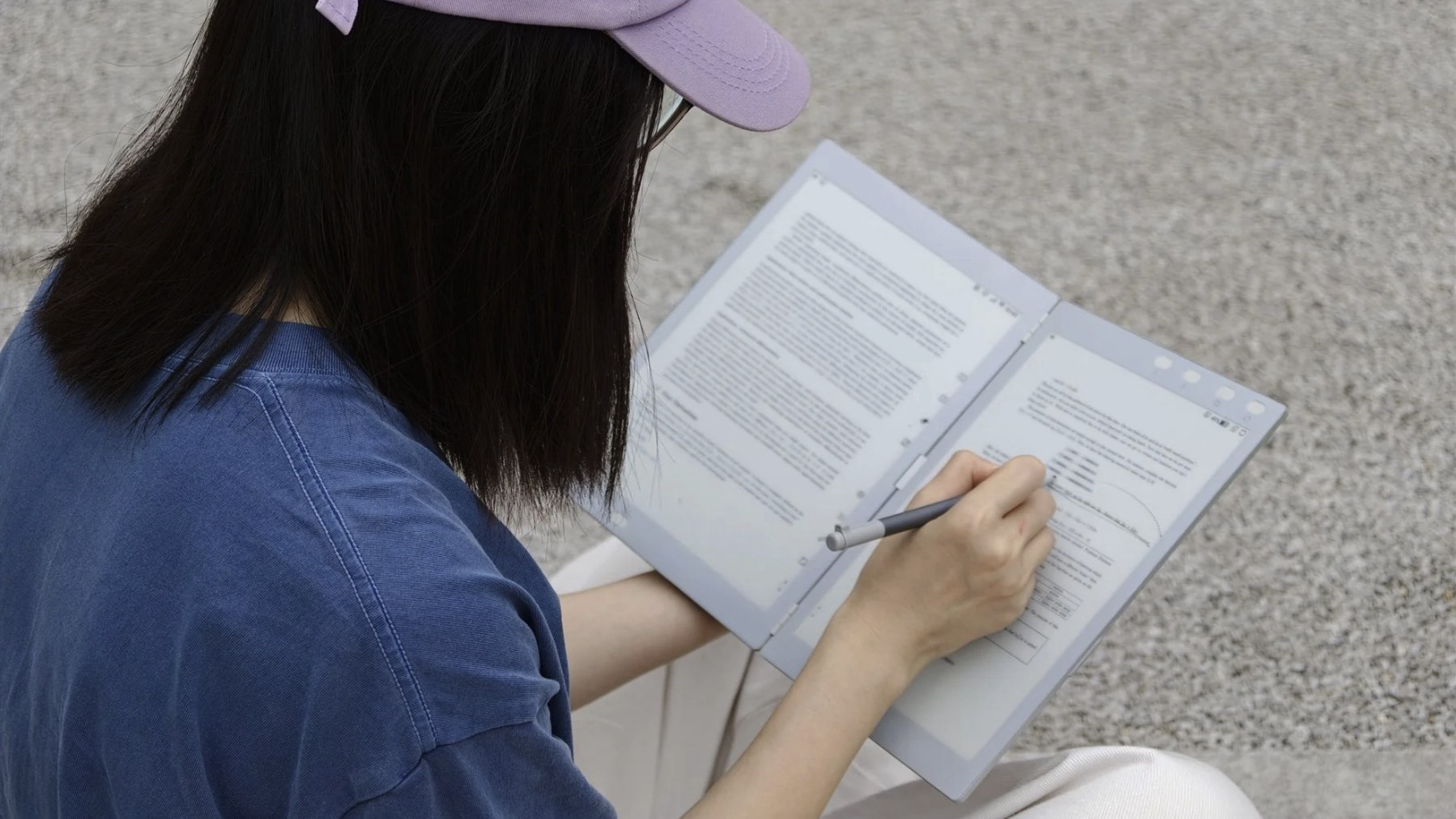
You read on one screen and write on the other. The InkLeaf's dual-display setup lets you keep a textbook open on one side while taking notes on the other with the included stylus. You can also annotate whatever text you're viewing directly, so the second screen isn't required for marking up documents. When you fold it open like a book, you get a left page and a right page, with the aluminum frame acting as the spine. The two screens are independent, so they can show completely different content — a reference document and a blank note page, for instance. The point of the design is that study and research don't require switching between apps or windows when source material and notes are visible at the same time.
How much does it cost, and how can I get one?
The InkLeaf's full MSRP is $999 (around £740 / AU$1,425), but early buyers can lock in a founder price of $489 (roughly £365 / AU$700) by placing a refundable $9.99 deposit (approximately £7.50 / AU$14) on the InkLeaf website. That deposit reserves your spot in the initial batch, which is scheduled to ship worldwide this month. After reserving, you'll be expected to pay the balance before the device ships. This early-access window is the only route to getting one in 2026; once it closes, the InkLeaf will move to Kickstarter, where most backers won't receive their units until 2027. To take advantage, you simply visit the site, pay the small deposit, and stand in line for the discounted price. There's no need to wait for reviews—indeed, reviews won't exist yet—so if you want the device this year at this price, reserving now is the only option. The deposit is fully refundable, so you can back out later, but holding a spot costs little and secures a significant discount.
What are the specs?
Each of the two 10.3-inch E Ink Carta displays sits on either side of an aluminum hinge, giving you a paired reading and writing surface that folds like a notebook. Unlike a foldable phone's single bendable panel, these are separate screens joined by a rigid frame, which keeps the device just 4.2mm thick when open and 8.4mm when closed, and at 480g it's comparable to a print hardback. Under the hood runs Android, though the version and Google Play availability aren't confirmed; it natively reads PDF, EPUB, MOBI, TXT, and HTML. The included stylus offers 4096 levels of pressure and supposedly provides the friction of real paper for handwritten notes, which you can later search using the AI feature; summaries and an outline assist are planned post-launch. With a speaker, microphones, 64GB of storage, and a battery rated for weeks of use, the InkLeaf is built for study and research while still appealing to anyone who prefers the feel of a hardback.
What software and file formats does it support?
The InkLeaf runs Android, but the version hasn't been confirmed, and it's unclear whether the Google Play Store is included. That distinction matters because it determines whether you can install third-party reading and note-taking apps or are limited to the built-in software. File support covers PDF, EPUB, MOBI, TXT and HTML, which handles most textbooks and documents. There's no word on sideloading either, which is relevant for anyone wanting to install Android apps outside the Play Store. The unconfirmed Android version and Play Store access are the biggest open questions, since they affect how much you can customize the device beyond its pre-installed apps. The file formats cover the common e-reader standards, but anyone coming from a Kindle or Kobo will want to know whether their existing library transfers cleanly — that depends on the Android software.
What about the stylus and handwriting AI?
The included stylus supports 4096 levels of pressure, and the writing surface is engineered to produce the friction of real paper, so it doesn't feel like writing on glass. The handwriting AI lets you search for handwritten phrases across all of your notes, so you can find a specific entry without knowing which page it's on. Annotations work directly on any text you're viewing, and you can also write on a blank page on the second screen. Summaries and an outline assist are planned for after launch, which will expand the AI features beyond search. The pressure sensitivity and paper-like friction are aimed at making handwriting feel natural enough for extended study sessions. The handwriting search is what distinguishes the device from a standard ereader, turning handwritten notes into searchable content.
How does it compare to a foldable phone like the Samsung Galaxy Z Fold 8 Ultra?
The fundamental difference is that the InkLeaf uses two separate 10.3-inch E Ink Carta displays rather than one foldable screen, like you'd find in the Samsung Galaxy Z Fold 8 Ultra. Each panel is an independent screen, so the fold is a physical hinge between two separate panels, and there's no flexible display to wear out. The panel size puts it in tablet territory, well beyond phone dimensions. The trade-off is that you never get a single continuous display; when open, you have two screens with a visible frame between them. The InkLeaf also lacks phone hardware — no cellular radio is mentioned in the specifications. It takes the foldable form factor and applies it to reading and note-taking rather than calling and messaging.
Keep going
 Life
Offline AI Rescues Obsidian on Mobile, One Local LLM at a Time
Life
Offline AI Rescues Obsidian on Mobile, One Local LLM at a Time
 Mobile
Pixel 11 Event: Two Retailer Deadlines and a Notification Light Comeback
Mobile
Pixel 11 Event: Two Retailer Deadlines and a Notification Light Comeback